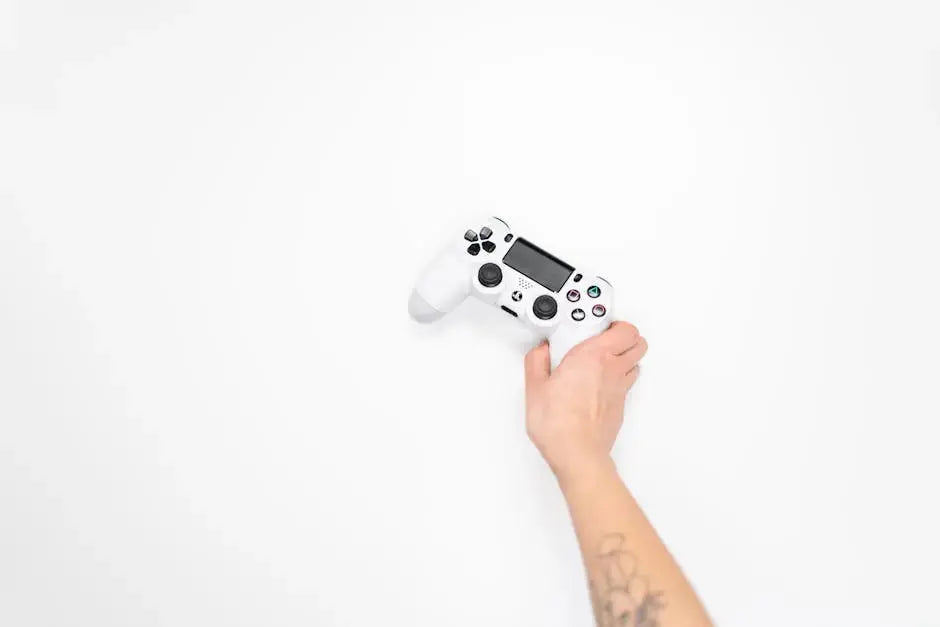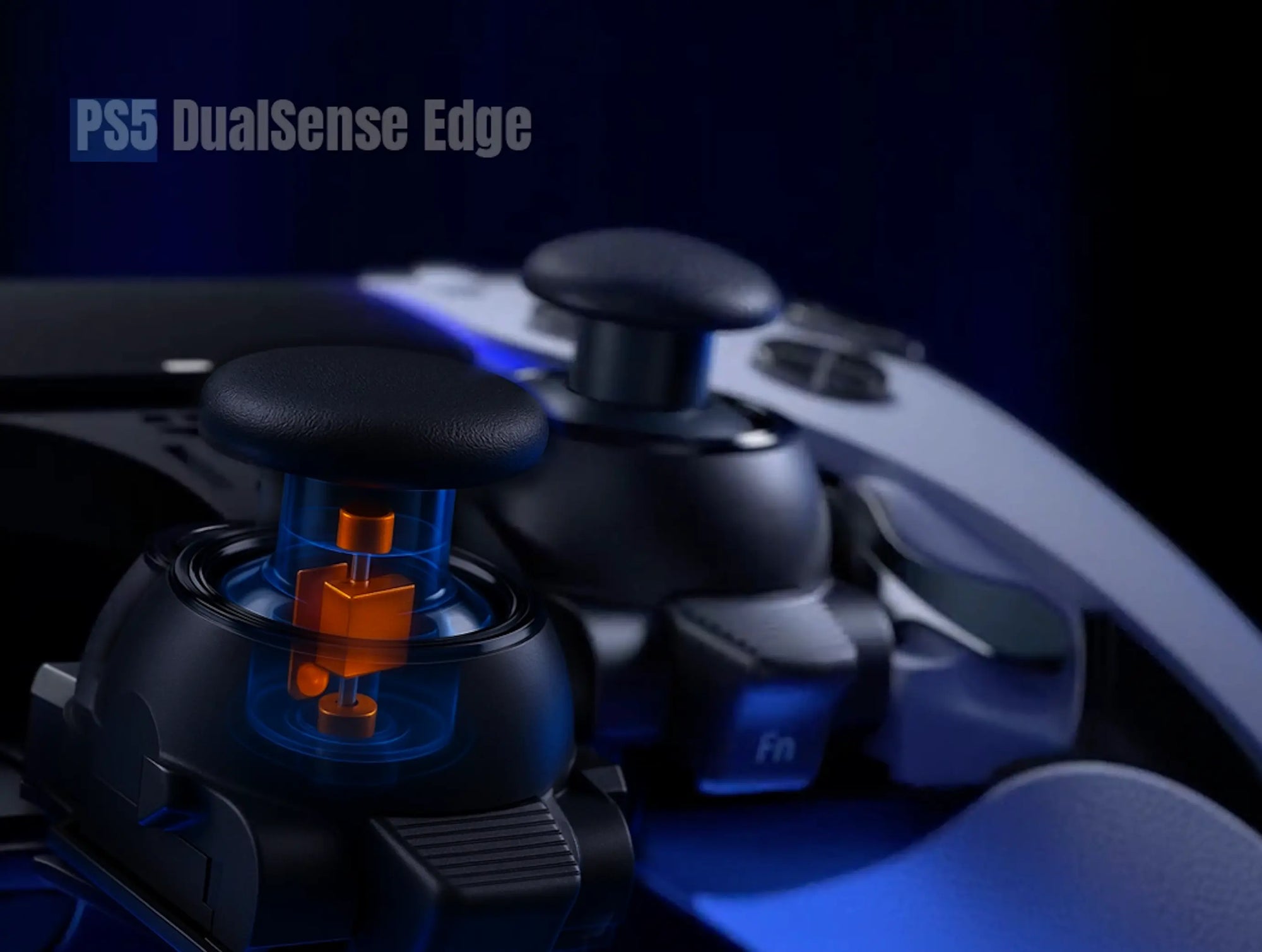
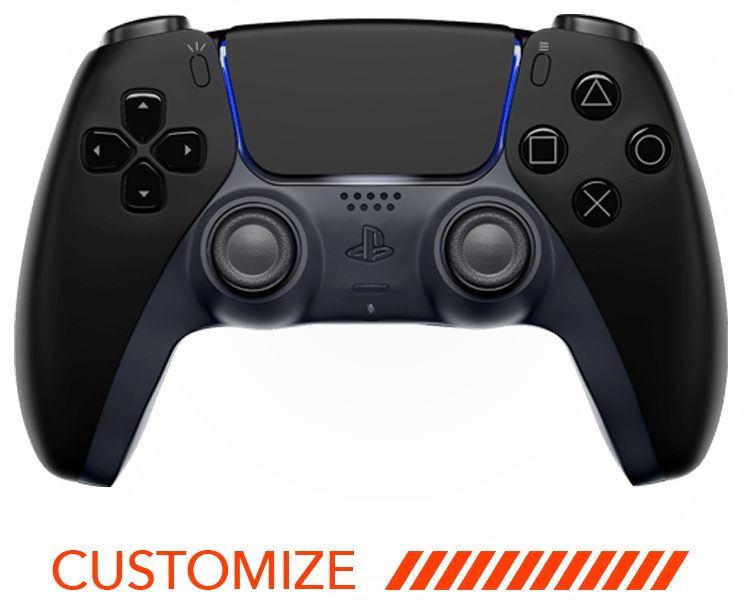
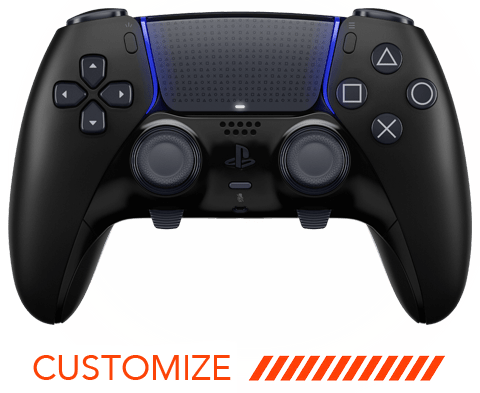
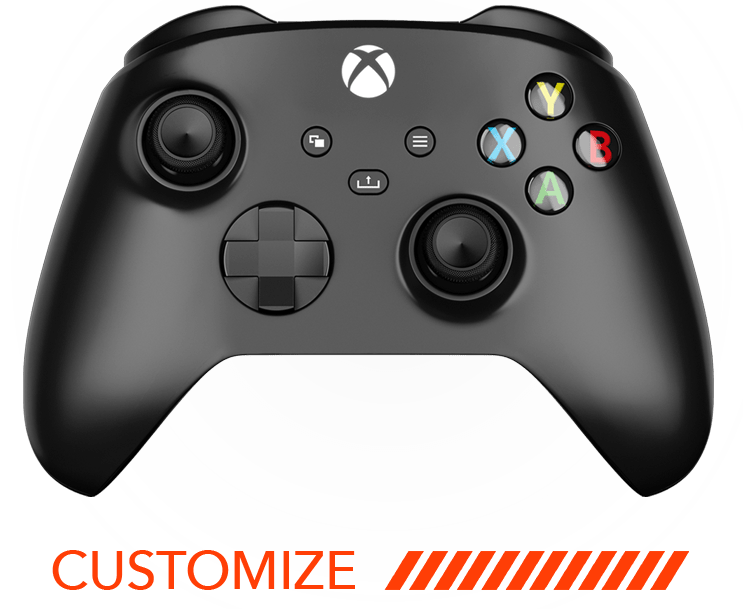
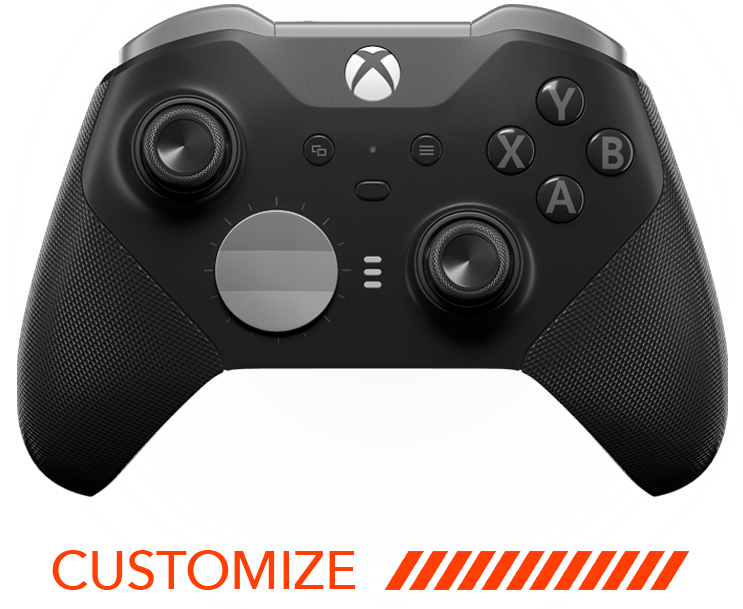
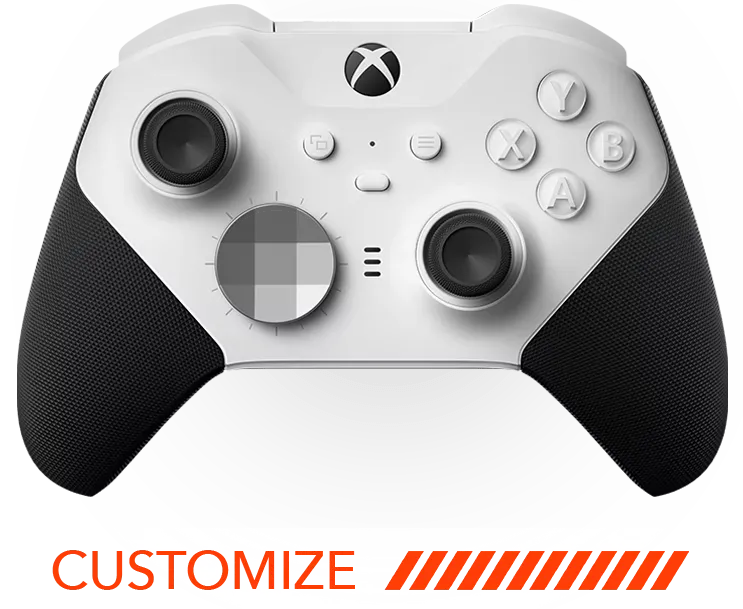

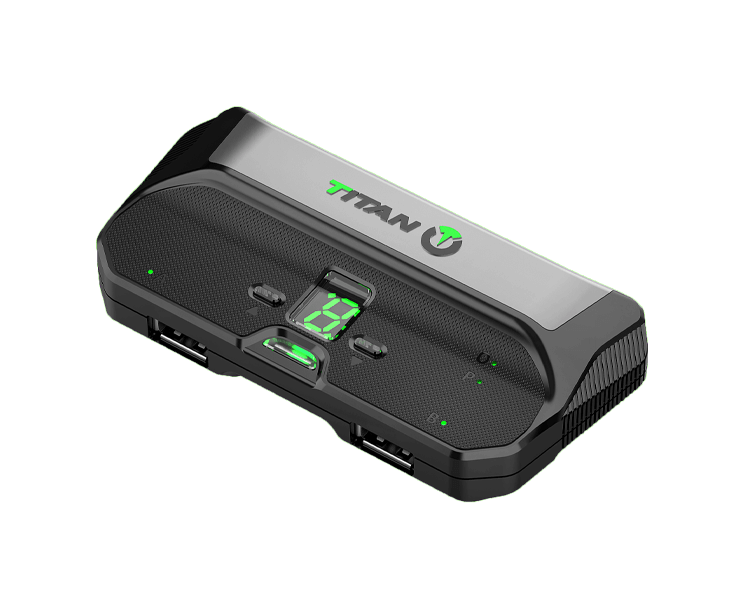



Unleash the true potential of your gaming experience with a PS5 modded controller. With a few tweaks, you can optimize your gameplay like never before. Whether you’re new to the world of modded controllers or looking to polish your skills, these tips will help you get the most out of your customized controller.
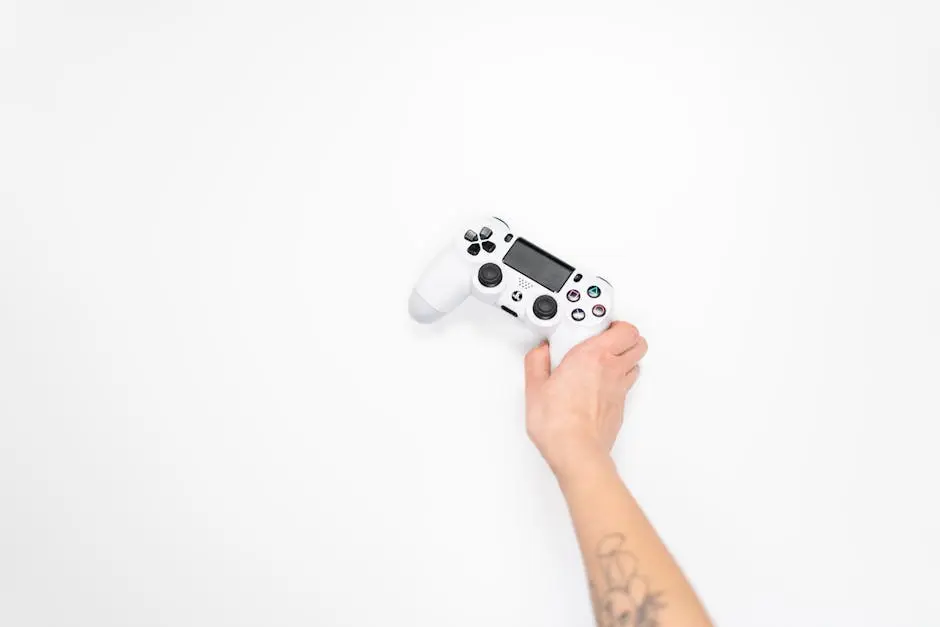
1. Understanding the Basics of Modded Controllers
Before diving into the advanced features, familiarize yourself with the foundation of modded controllers. Knowing the basic functions and settings will ensure you can make the most of your device. Begin with understanding how the modded controller differs from the standard PS5 controller. This knowledge will help you utilize features like macro programming, which allows you to execute complex button sequences with one press.
Another key aspect is recognizing the importance of firmware updates. These updates not only fix bugs but also add new functionalities to your controller. Staying up-to-date with these developments is crucial to maintaining a competitive edge. Additionally, exploring community forums can offer insights into troubleshooting common issues and getting the most out of your controller’s capabilities.
2. Customizing Button Layouts for Your Play Style
Every gamer has a unique play style. By customizing your button layouts, you tailor the controller to fit your specific needs, ensuring seamless gameplay and quicker reactions. For example, mapping the jump button to a rear paddle can free your thumb for other controls, enhancing your ability to respond swiftly during intense firefights.
Consider experimenting with different configurations in games like FPS and fighters, where milliseconds count. Not only does this improve your efficiency, but it also helps in reducing finger fatigue over long hours of gaming. Remember, the goal is to create a setup that feels intuitive and allows for fluid gameplay, turning your controller into a natural extension of your body.
3. Enhancing Precision with Trigger Adjustments
Fine-tuning the triggers can significantly improve your shooting accuracy in FPS games. Look into setting trigger stops to ensure faster response times in the heat of battle. Trigger stops can prevent unnecessary trigger travel, which is crucial during fast-paced combat situations.
Experimenting with trigger sensitivity is another tactic. Adjusting sensitivity can help you achieve the perfect balance between speed and control, making those headshots a bit easier. Adjust the triggers to your preference in different games to achieve an optimized response that complements your gameplay style.
4. Experimenting with Sensitivity Settings
Adjust your sensitivity settings to find the sweet spot that offers you the best control and speed. It might take some trial and error, but the payoff in improved accuracy is worth it. Sensitivity adjustments vary between games, so spending time doing this for each can vastly improve your performance.
Consider trying out standard settings widely accepted in gaming communities, then tweak them based on personal preference. It’s a small change that can make a big difference in how you perform, especially in competitive gaming environments where precision is key.
5. Exploring Advanced Mod Packs for Edge
From rapid-fire mods to recoil control, explore the advanced mod packs available for your controller. These features can give you a significant edge over competitors. Rapid-fire mods, for example, enable you to fire semi-automatic weapons faster, while recoil control helps to steady your aim, making every shot count.
Be mindful of the rules of specific games, as some competitive platforms may not allow certain mods. Always check the regulations to ensure your gameplay remains fair and within legal boundaries. Exploring different mod packs and understanding their impact can open up a whole new level of customization and fun.
6. Keeping Your Controller Updated
Manufacturers often release firmware updates that can enhance performance and fix bugs. Ensure your modded controller is always up-to-date for the best experience. You can typically find update notifications through the manufacturer’s website or software dedicated to your controller.
Keeping your controller regularly updated ensures compatibility with new game releases and maintains optimal functionality. Don’t skip these updates; they ensure your setup remains in top condition and free from any potential security vulnerabilities that might affect your gaming session.
7. Regular Maintenance and Care for Longevity
To extend the life of your PS5 modded controller, keep it clean and well-maintained. Regularly check for wear and tear, and address any issues promptly to keep it in top shape. This could involve cleaning the buttons and thumbsticks to prevent them from sticking, as well as examining all cables and connections.
Proper storage is also essential. Keep your controller in a protective case when not in use to prevent dust buildup and accidental damage. Additionally, using a screen-safe cleaning solution can help keep surfaces free from oily fingerprints without damaging any finishes or material.