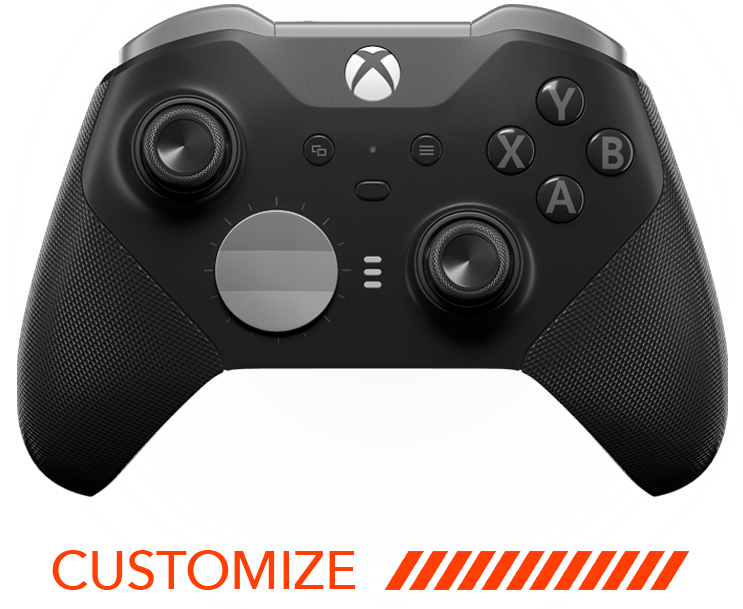
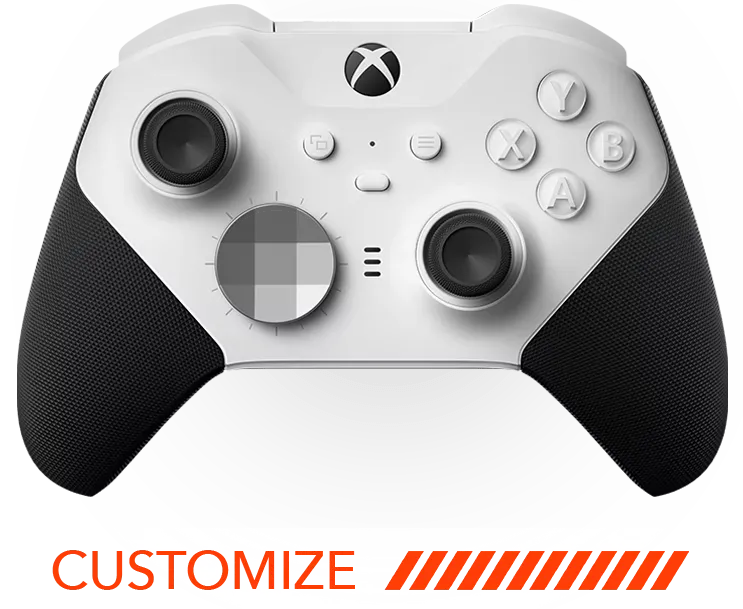

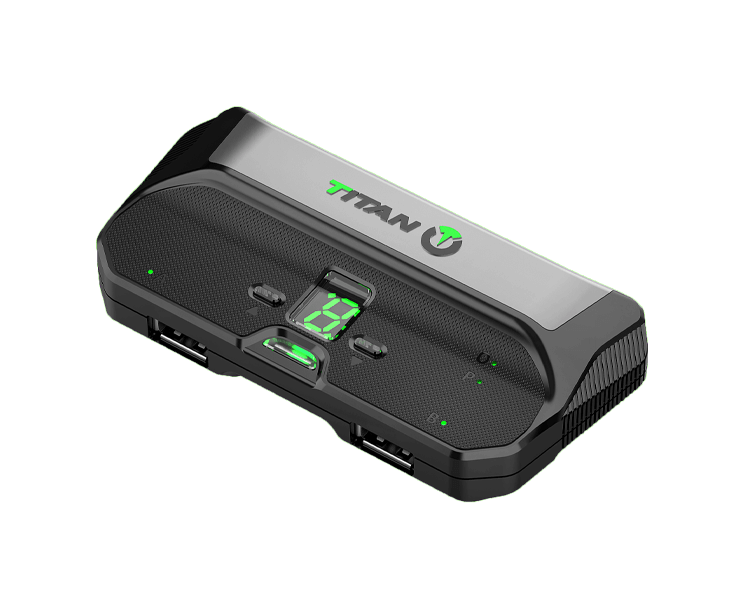
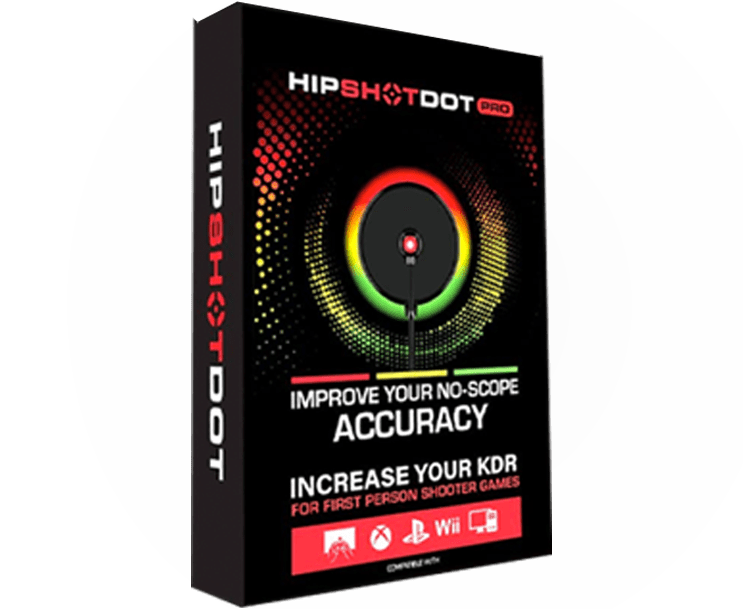



If you’re a gaming enthusiast who loves personalizing their play experience, you may be curious about customizing your modded PS5 controller specifically for different games. This FAQ will guide you through the possibilities and steps to ensure your gaming setup is perfectly tuned to your preferences.
Understanding Controller Modding Basics
Before diving into customizations, it’s important to understand what modding your PS5 controller entails, including the hardware and software aspects.
Controller modding essentially involves altering or enhancing your controller’s capabilities beyond what traditional settings allow. This could mean changing the button layout, enhancing trigger sensitivity, or even adding rapid-fire capabilities. By understanding the basics of modding, players can unlock new ways to interact with their games, creating a more immersive and personalized experience.
Identifying Game-Specific Requirements
Different games have unique control needs. Identifying these requirements is the first step towards customizing your controller for optimal performance.
When you customize your controller for specific games, it’s crucial to focus on the control schemes that optimize gameplay. For example, first-person shooters might benefit from quicker trigger responses and additional buttons for ease of access, while adventure games could use enhanced joystick precision. Analyzing these needs can significantly enhance your performance in every session.
Using Custom Software Tools
Learn about the available software tools that can help in programming your controller for specific game commands and features.
Custom software tools, such as various controller mapping programs, provide a robust platform for assigning specific functions to your controller’s buttons. This is particularly invaluable when dealing with games that require multiple actions within split seconds. These tools can help synchronize your gaming actions seamlessly, ensuring you’re always on top of your game.
Configuring Hardware Modifications
Some customizations involve physical changes to your controller. This section covers the hardware modifications you can implement.
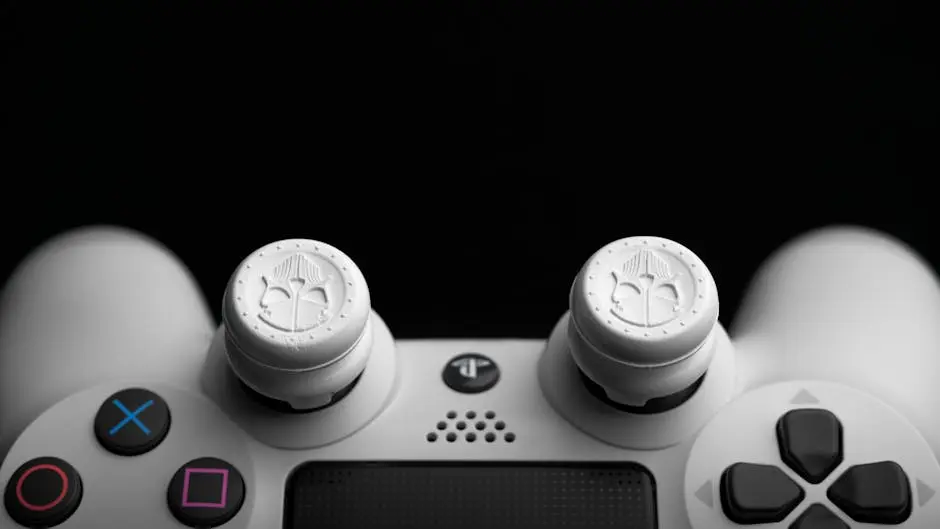
Hardware modifications might include installing additional buttons or changing the texture of the grips for better hold. These modifications can be particularly useful for players looking to gain a competitive edge, as they allow for quicker and more efficient responses during intense gaming moments.
Testing and Adjusting Settings
Once you’ve made your customizations, testing and tweaking the settings are crucial to ensure everything works seamlessly during gameplay.
Testing involves running your controller through different scenarios and game types to fine-tune its performance. By adjusting the settings based on these tests, you can ensure that your controller’s response is both accurate and tailored to your gaming style. Regular testing and adjustments also help in maintaining your controller in peak condition, extending its life and reliability.
Personalize Your Gaming Experience
Customizing your modded PS5 controller for specific games opens up a world of tailored gaming experiences. By following these steps, you can enjoy a setup that enhances your skills and amplifies the enjoyment of every session.