
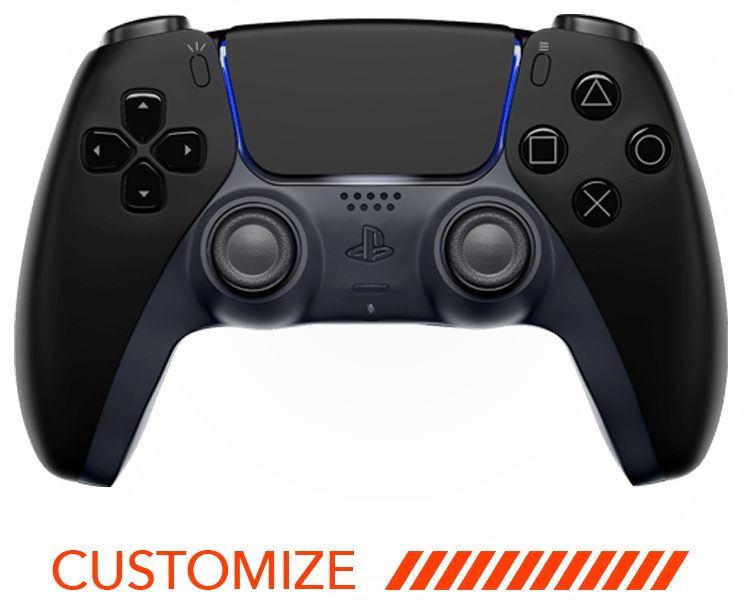
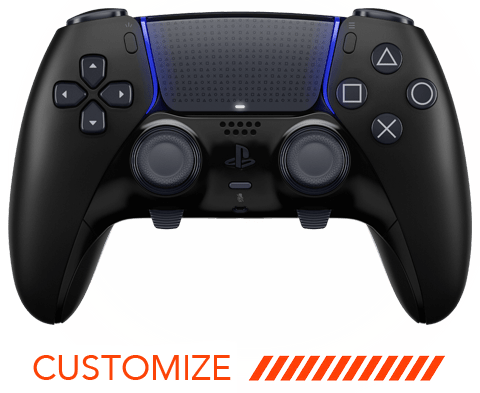
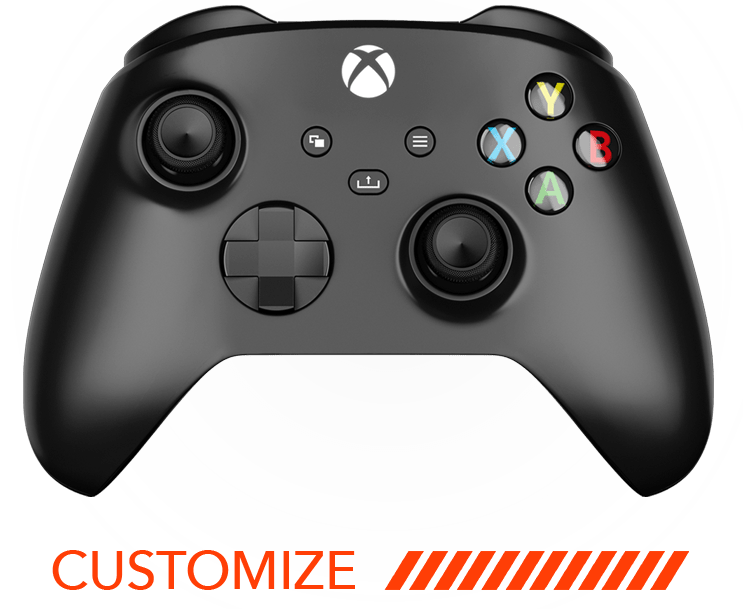
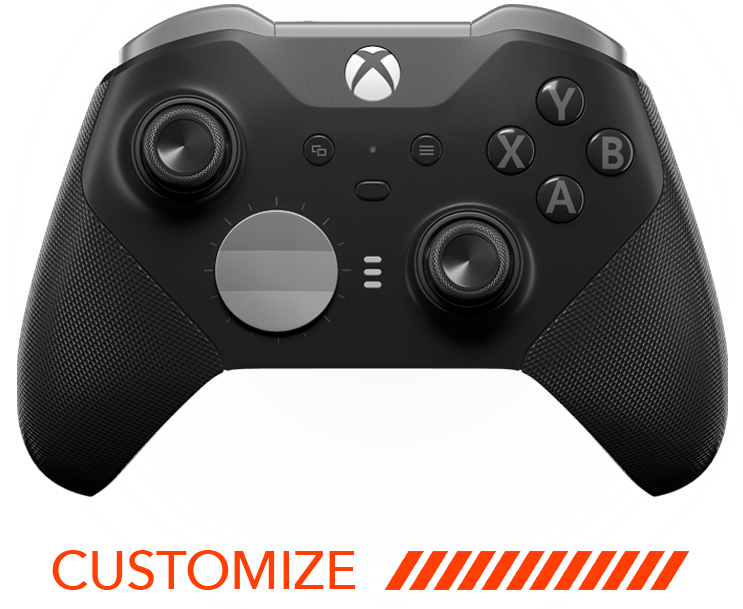



Activating rapid fire on your controller can enhance your gaming experience by increasing your firing speed in first-person shooters and action games. Whether you’re a seasoned gamer or a beginner looking to boost your skills, this FAQ guide will walk you through the process of setting up rapid fire. Let’s dive into the steps you need to follow to unleash your controller’s potential.
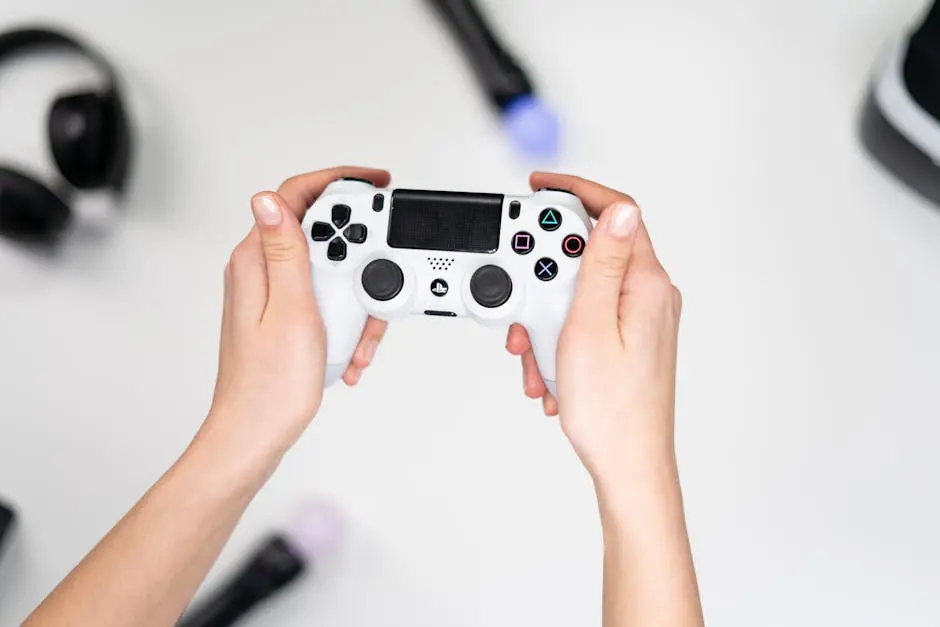
Understand Your Controller’s Compatibility
Before attempting to activate rapid fire, ensure that your controller supports this feature. Some controllers come with built-in rapid fire capabilities, while others may require additional accessories or modifications. Check the manufacturer’s specifications or user manual for your controller’s compatibility with rapid fire settings.
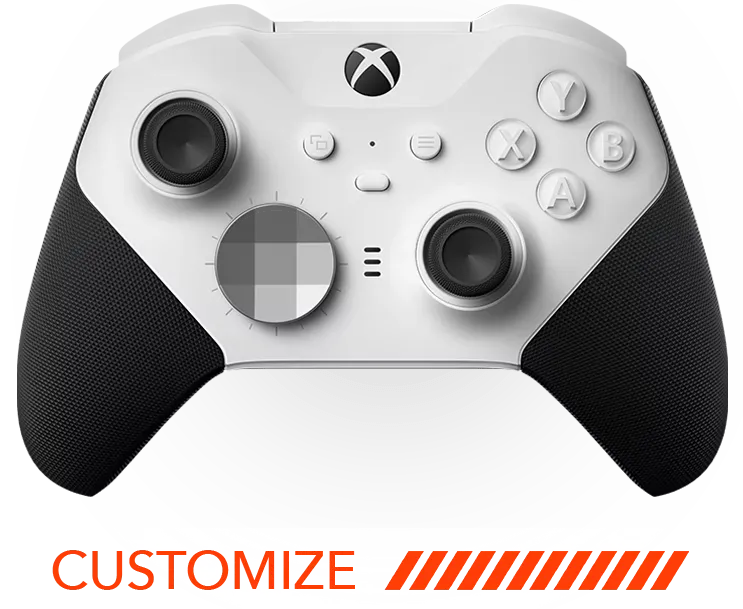
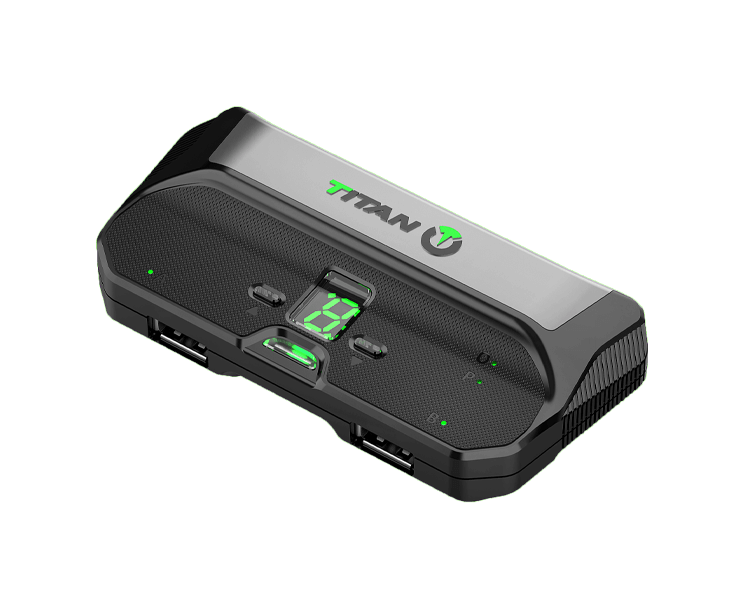
If your controller doesn’t support rapid fire natively, don’t worry! There are plenty of aftermarket options available. Many companies offer custom mods that can be applied to standard controllers. These mods can enhance your controller’s functionality, including adding rapid fire features.
Access Rapid Fire Settings
Once you’ve confirmed compatibility, access the rapid fire settings on your controller. This process varies depending on the model. For some controllers, it’s as simple as pressing a specific combination of buttons, while others may require software configuration. Consult your controller’s manual for detailed instructions.
If your controller is connected to a gaming console, there might be an option to download specific software from the console’s store to manage these settings easier. This software often provides an interface that’s more user-friendly for adjusting complex settings like rapid fire.
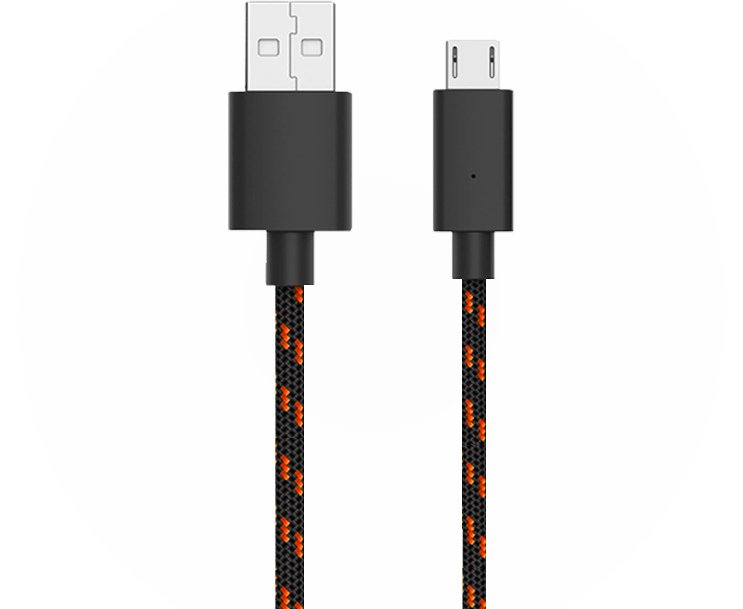
In some cases, especially with custom controllers, you might need to connect your controller to a PC or console via USB. This connection can help you access advanced settings through companion applications provided by the controller manufacturer.
Adjust Your Rapid Fire Settings
After accessing the settings, you can adjust the rapid fire speed to suit your gaming style. Some controllers allow you to set different speeds for various games. Experiment with these settings to find what works best for your gameplay needs.
Fine-tuning your rapid fire settings can make a huge difference in your performance. Consider the type of game you’re playing—FPS games might require different settings compared to racing or strategy games. Utilize trial and error to find your sweet spot.
Remember, balance is key. Setting your rapid fire too fast might not only decrease accuracy but also drain your ammo faster than anticipated. Adjust the settings gradually, play a few games, and see what feels most comfortable and effective.
Test Your Settings
With your settings adjusted, it’s time to test them out. Launch a game that benefits from rapid fire and play a few rounds to ensure everything is set up correctly. Make any necessary adjustments based on your experience to optimize your rapid fire performance.
Start by running a few practice rounds in games known for benefiting from rapid fire like first-person shooters. Pay attention to how your controller responds during intense action sequences to determine if further adjustments are needed.
It’s a good idea to dedicate some time to trial runs on different settings. This will not only help in confirming the efficacy of your setup but also enhance your adaptation to the controller’s changed dynamics, ensuring that you get the optimum experience out of your gaming sessions.
Wrapping Up Your Rapid Fire Setup
Activating rapid fire on your controller is a straightforward process once you understand the steps involved. By familiarizing yourself with your controller, accessing the rapid fire settings, and testing your setup, you can significantly enhance your gaming prowess. Remember to follow any specific instructions related to your particular controller model and enjoy your enhanced gaming experience. Discover more exciting gaming possibilities by exploring our customized ModdedZone controllers.

