



Titan Two Device: The Complete ModdedZone Guide (2026)
If you've spent any time researching controller mods, cross-platform adapters, or keyboard-and-mouse setups for console, you've probably run into the Titan Two device. At ModdedZone, we carry the Titan Two and its full accessory lineup because it solves a problem our own controllers don't: using virtually any input device, on virtually any gaming platform, with total programming freedom.
This guide breaks down exactly what the Titan Two device is, how it's different from ModdedZone's own MZ Titan OS modchip technology, what it can do, and how to get one set up.
Table of Contents
1. What is the Titan Two device?
2. Titan Two vs. MZ Titan OS: what's the difference?
3. Key features explained
4. ModdedZone's Titan Two lineup
5. How to set up your Titan Two device
6. Who the Titan Two is for
7. Frequently asked questions
What is the Titan Two device?
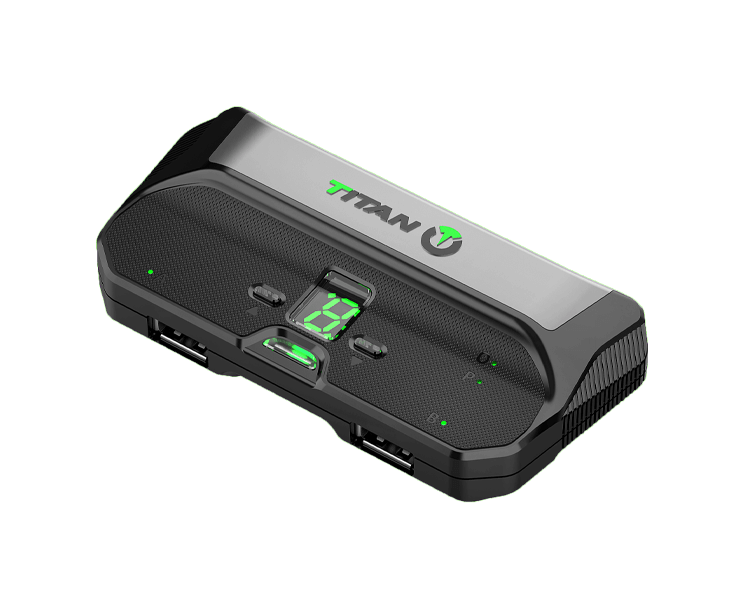
The Titan Two is a standalone universal controller adapter and mod programming device, built by ConsoleTuner — the same team behind GamePad Proxy, Cronus, and the original Titan One. It sits between your input device (a controller, keyboard, mouse, joystick, arcade stick, or flight stick) and your gaming platform, translating and enhancing that input in real time.
In plain terms: the Titan Two lets you plug in almost any controller or input device and use it on almost any console or PC, while adding programmable mods, macros, and full button remapping on top.
Titan Two vs. MZ Titan OS: what's the difference?
It's an easy mix-up, since the names are so close — but these are two completely different products.
-
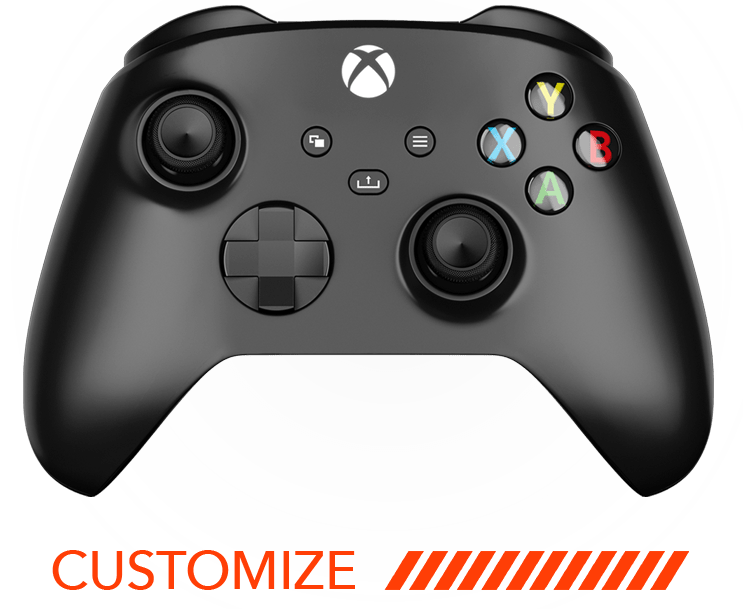
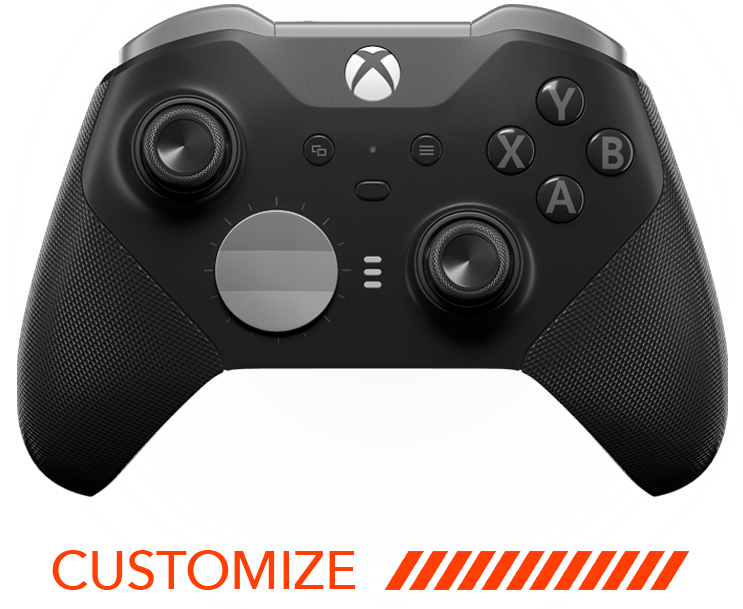
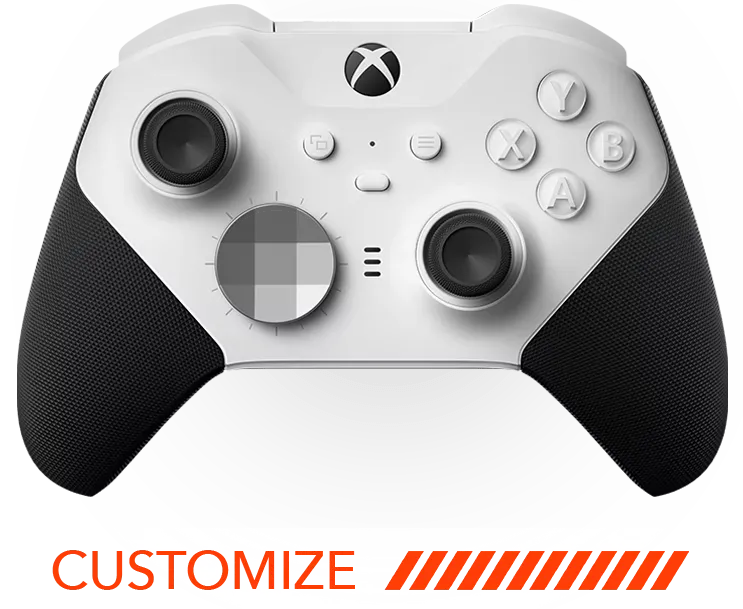
MZ Titan OS is ModdedZone's own proprietary modchip, built directly into our custom PS5 and Xbox controllers. It's controlled from the free MZ Titan app and only works with the specific controller it's installed in.
-
The Titan Two device is a separate, external adapter made by ConsoleTuner. It's not installed inside a controller — it's a standalone box you plug your existing controller (or keyboard, mouse, or joystick) into. It works across many different controllers and platforms rather than being tied to one build.
Think of it this way: MZ Titan OS is the mod chip inside a ModdedZone controller. The Titan Two is a universal adapter that sits outside any controller and works with almost all of them. ModdedZone sells both because they solve different problems — one is about building the ultimate single controller, the other is about maximum cross-platform flexibility.
Key features explained
Universal platform compatibility
The Titan Two is a fully programmable device compatible with PS5, PS4, Xbox One, Nintendo Switch, PlayStation 3, Xbox 360, Wii U, PlayStation TV, PS4 Remote Play, the Xbox One app, Android systems, and computers. Programming software is available for Windows, Mac, and iOS.
No chips, no soldering
Unlike a hardware modchip, the Titan Two requires no installation into your controller or console — no chips, no tools, no opening anything up. Mods, combos, and macros are added with a simple drag-and-drop of Gamepacks or community-made scripts.
Rapid Fire, Anti-Recoil, Aim Assist, and custom scripting
Titan Two adds mods and macros to your favorite games on any compatible system or controller — Rapid Fire, Anti-Recoil, Aim Assist, and more. For advanced users, you can build your own scripts, combos, and macros at millisecond precision, and program automated commands that trigger in response to in-game events.
Keyboard and mouse on console
The Titan Two is fully compliant with the HID standard, so it works with virtually any HID gaming device — fight sticks, steering wheels, joysticks, foot switches, and more. It also officially supports the XIM APEX mouse and keyboard adapter, giving PC-style precision on console.
Wireless connectivity (with the Expansion Kit)
Adding the Titan Bluetooth Module lets Bluetooth-enabled controllers connect wirelessly to the Titan Two, supporting devices like the DualShock 4, Nintendo Switch Pro Controller, PlayStation 3 and DualShock 3, Wiimote, Wii U Pro Controller, and more — with up to 4 active connections and a 55-meter range.
Note: Titan Two mods are for personal customization and accessibility. Some features may conflict with the terms of service of specific games in ranked or competitive modes — always check the rules for any game you compete in officially.
ModdedZone's Titan Two lineup
Titan Two All in One Universal Controller Device
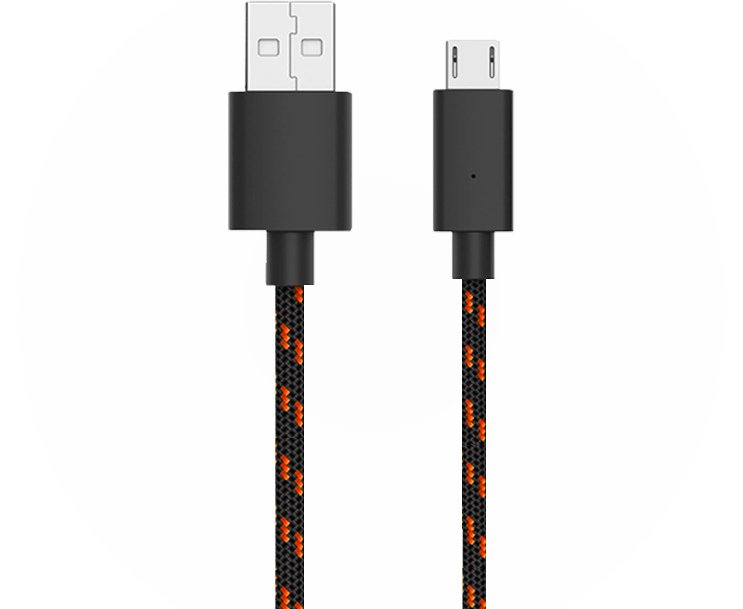
$139.99. The core device — plug in your controller, keyboard, mouse, or other input and start programming mods and macros. Includes the Titan Two device, a high-quality Micro-USB cable (40cm), and a Quick Setup Guide. Fully updated to work with the latest PS5 system software, where some competing devices have run into compatibility issues.
P5 General Adapter for Titan Two
$39.99. A dedicated bridge adapter that enables the Titan Two to work with PS5 consoles and PS5 games. Updated for the latest PS5 and PS5 Pro firmware. Setup is plug-and-play: connect the P5 General to your Titan Two via USB, plug the Titan Two into your PS5, and you're ready to play — no complex configuration required.
Titan Two Device Expansion Kit
$39.99. Adds Bluetooth wireless capability and extends onboard memory. Includes the Titan Bluetooth Module (Dual-Mode Bluetooth 4.1, up to 4 active connections, 55-meter range) and a 512MB Micro-SD card, which also unlocks additional memory slots for binary macro files.
Titan Two Connection Kit
$24.99. A premium USB cable set for connecting your Titan Two to your controllers, consoles, and computer — a handy upgrade or replacement over the included cable.
How to set up your Titan Two device
-
Connect to your computer. Using the included USB cable, connect the Titan Two's PROG port to your PC or Mac.
-
Install GTuner IV. Download ConsoleTuner's free GTuner IV software and open Device Configuration to set up your Titan Two.
-
Add your platform adapter if needed. For PS5, connect the P5 General Adapter between the Titan Two and your console for full compatibility.
-
Load your mods. Drag and drop a Gamepack, a community script, or build your own combos and macros through GTuner IV.
-
Go wireless (optional). Install the Expansion Kit's Bluetooth Module and Micro-SD card if you want to pair Bluetooth controllers wirelessly.
Who the Titan Two is for
-
Players who want to use one favorite controller, keyboard, or joystick across multiple consoles and PC
-
Competitive players who want console keyboard-and-mouse support via XIM APEX or other HID devices
-
Anyone who wants deep, script-level control over macros and combos beyond what a built-in modchip offers
-
Accessibility-focused setups that need custom remapping for non-standard controllers or input devices
If you're looking for a single, purpose-built modded controller for PS5 or Xbox with mods built into the hardware, ModdedZone's PS5 and Xbox customizers with MZ Titan OS are the more streamlined option. If you want maximum flexibility across many controllers and platforms, the Titan Two is the tool built for that job.
Frequently asked questions
Is the Titan Two the same as ModdedZone's MZ Titan OS?
No. MZ Titan OS is ModdedZone's own modchip built into our custom PS5 and Xbox controllers. The Titan Two is a separate, external universal adapter made by ConsoleTuner that works with a wide range of controllers and platforms. ModdedZone sells both, but they're different products for different needs.
Does the Titan Two work with PS5?
Yes. The Titan Two works with PS5 and has been updated for the latest PS5 system software. For full plug-and-play PS5 compatibility, pair it with the P5 General Adapter, which bridges the Titan Two to your PS5 console.
Do I need to install anything inside my controller or console?
No. The Titan Two requires no chips, soldering, or internal installation. It's an external device you connect via USB — mods and scripts are loaded through the free GTuner IV software.
Can I use a keyboard and mouse on console with the Titan Two?
Yes. The Titan Two is fully HID-compliant and officially supports the XIM APEX mouse and keyboard adapter, along with other HID devices like fight sticks, steering wheels, and joysticks.
How do I connect a wireless controller to the Titan Two?
You'll need the Titan Two Device Expansion Kit, which includes the Titan Bluetooth Module and a Micro-SD card. Once installed, the Titan Two can maintain up to 4 active Bluetooth connections with a 55-meter range.
What platforms does the Titan Two support?
PS5, PS4, Xbox One, Nintendo Switch, PlayStation 3, Xbox 360, Wii U, PlayStation TV, PS4 Remote Play, the Xbox One app, Android systems, and computers. Programming software is available for Windows, Mac, and iOS.
What's included in the box?
The Titan Two All in One Universal Controller Device ships with the Titan Two device itself, a high-quality 40cm Micro-USB cable, and a Quick Setup Guide.
Ready to add cross-platform flexibility to your setup? Pick up the Titan Two device and its accessories at ModdedZone, or explore our own MZ Titan OS-equipped PS5 and Xbox controllers if you want mods built directly into your hardware.
Shop the Titan Two lineup → moddedzone.com/collections/titan-two-device-products