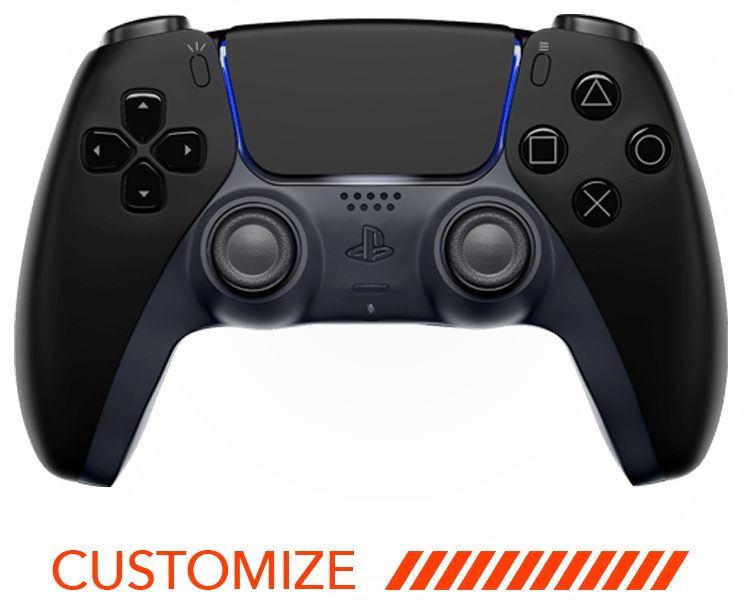
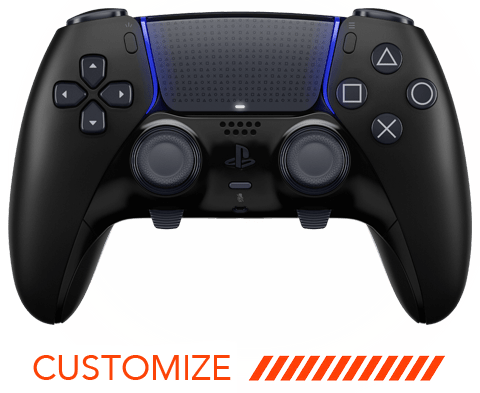
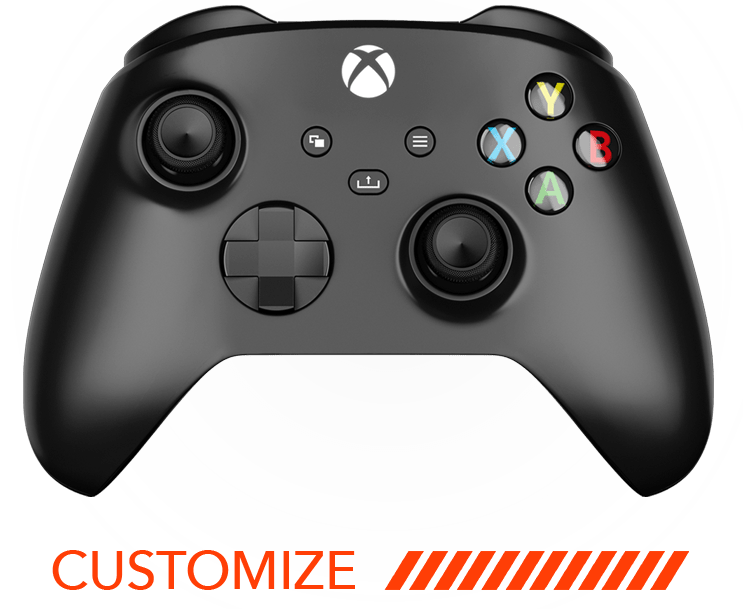
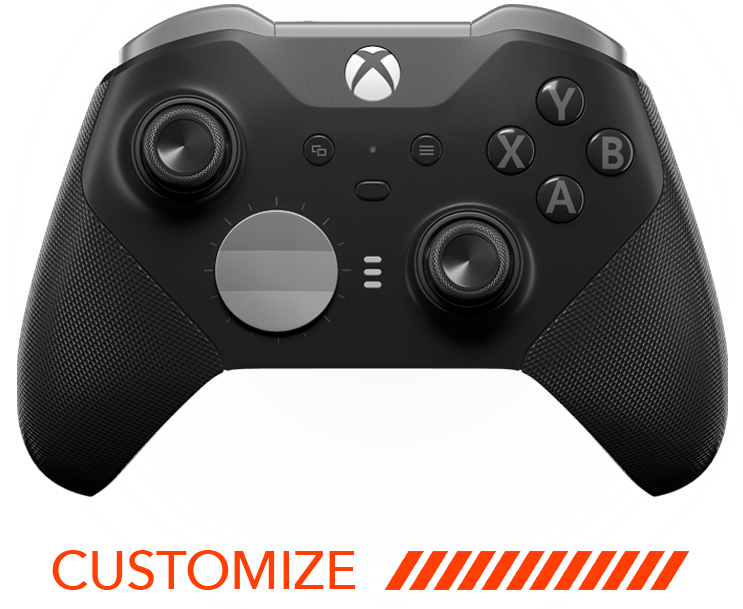
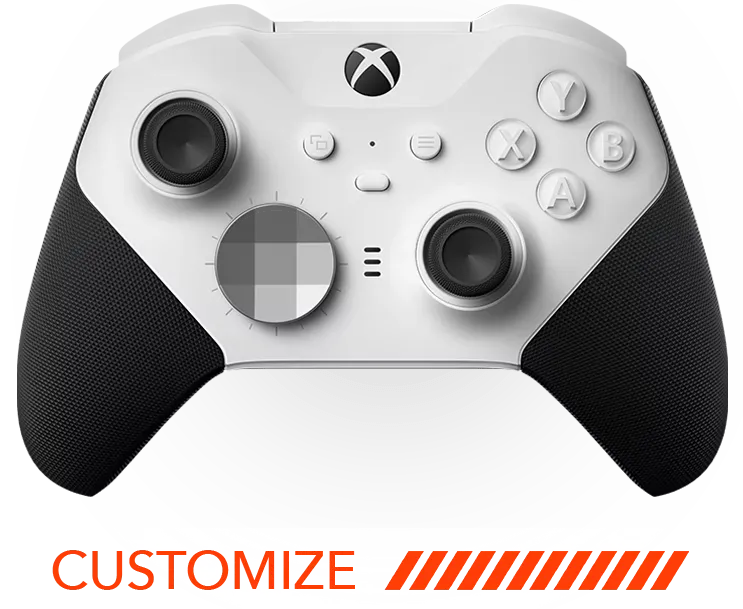





If you’re looking to boost your gaming performance, enabling rapid fire on your modded controller is a fantastic option. This guide will walk you through the steps to easily activate rapid fire, ensuring your controller fires at lightning speed.

Step 1: Check Controller Compatibility
Before you begin, ensure your controller is modded and compatible with rapid fire functionality. Not all controllers have this capability.
Compatibility is key before you proceed. Most modded controllers are designed with advanced features that enhance your gaming experience, but it’s crucial to verify that your specific model supports rapid fire. Refer to your modded controller’s documentation to confirm compatibility.
Step 2: Power On the Controller
Make sure your controller is powered on and connected to your console or PC. A functioning battery or power source is essential for the next steps.
To avoid any hiccups during the process, ensure your controller is fully charged or properly connected. Low battery levels can affect performance and even disconnect during crucial gaming moments. Remember, a steady connection ensures smooth operation when setting up your rapid fire feature.
Step 3: Access the Mod Menu
Most modded controllers have a mod menu accessible via specific button combinations. Refer to your controller’s manual to find out how to access this menu.
Gaining access to the mod menu is like unlocking the potential of your controller. Depending on your model, you may need to press a sequence of buttons, often involving the trigger and menu buttons concurrently. If you’re unsure, consult your manual or visit our support page for guidance.
Step 4: Activate the Rapid Fire Mode
Once in the mod menu, locate the rapid fire option. Select it by following the respective button prompts to engage the rapid fire mode.
Activating rapid fire transforms your shooting capabilities, allowing you to fire continuously or at set intervals without manual effort. Imagine rapidly taking down opponents with minimal delay between shots, significantly enhancing your in-game efficacy. If adjustments are available, customize the firing rate to suit your game requirements for the best gaming performance.
Step 5: Test Your Controller
After enabling rapid fire, test your controller in-game to ensure the mode is working as expected. Adjust settings if necessary for optimal performance.
Testing is a critical step to confirm that your adjustments have taken effect. Launch a game, ideally one where rapid fire capability is advantageous, and observe the shooting pattern. If it feels off, re-enter the mod menu to fine-tune the speed or reset the mode entirely. Regular testing under different scenarios can ensure that you get the most out of your modded controller with consistent precision.
Enhance Your Gaming Experience
With rapid fire enabled, your gaming experience is taken to the next level. Remember to use these features responsibly and enjoy your newfound advantage in fast-paced gaming scenarios! For the ultimate upgrade, explore our homepage to see what more you can do with your modded controller.