
You picked a modded controller for the hardware. Then you opened the app and wondered what to do first. Good news: the MZ Titan OS app is built so you don't need button combos, a manual, or a spare afternoon. This guide walks through what the app does, how profiles and Remote Command work, and how to set it up so the right mods are on for the right game.
If you're still deciding which hardware tier to buy, start with our MZ Titan OS tier comparison. This post is about what happens after the controller arrives.

Quick List
- What the MZ Titan OS app is
- Which devices run it
- Your first-day setup checklist
- Profiles: one controller, many setups
- Remote Command: switching without your phone
- Mods Marketplace and over-the-air updates
- Using mods responsibly
- FAQ
What the MZ Titan OS App Is
MZ Titan OS (also called the MZ Titan App) is the free companion app for MODDEDZONE PS5 and Xbox controllers that contain the MZ Titan modchip. The chip lives inside the controller. The app is how you control it.
From the app you can turn mods like Rapid Fire, Anti-Recoil and Drop Shot on and off, adjust each mod individually, create unlimited profiles, and add new mods from the built-in Mods Marketplace. There are no button combos to memorize. You can read the full overview on the MZ Titan OS page.
Which Devices Run the App
The app runs on iPhone, iPad, Android phones and tablets, and Apple M1 Macs. Our Smart Pro product listings state the same compatibility: an iOS or Android phone or tablet, or any Mac with an M1 chip.
| Device | Supported for MZ Titan OS |
| iPhone / iPad | Yes |
| Android phone / tablet | Yes |
| Apple M1 Mac | Yes |
Your First-Day Setup Checklist
- Install the app on your phone, tablet or M1 Mac.
- Connect your controller and confirm the app sees it.
- Start with one profile and enable only the mods your hardware tier includes. A "No Modifications" or Rapid Fire controller will show fewer options than an Ultimate Mod Pack build.
- Change one thing at a time. Adjust a single mod, play a round, then tweak again. It's the fastest way to learn what actually helps.
- Save the result as a named profile so you can always get back to it.
Profiles: One Controller, Many Setups
Profiles are where the app earns its keep. You can create unlimited profiles, so a single controller can behave differently depending on what you're playing. A few ways players use them:
- One profile per game. A shooter profile with the mods you like, and a clean profile for everything else.
- A "stock feel" profile. Every mod off, for story games, party nights or lending the controller to a friend.
- A tournament-safe profile. Mods off for any event or ranked setting where rules say so (more on that below).

Remote Command: Switching Without Your Phone
Phones are not always within reach in the middle of a session. Remote Command lets you switch profiles or disable mods using two buttons on the controller itself, with no phone nearby. It's the feature that makes the "stock feel" profile practical: one quick input and the controller behaves like a regular one.
Mods Marketplace and Over-the-Air Updates
New mods can be added from the Mods Marketplace inside the app, and updates arrive over the air, so you don't send the controller anywhere to get new features. A separate Thumbstick Drift Fix is available as a purchasable app feature (modchip v2.0 and up). For a full explanation of what the mods do, see our Mods page.
Which Hardware Tier Unlocks What?
| Tier | What's included |
| No Modifications | Controller and app, no mods enabled |
| Rapid Fire | Rapid Fire |
| FPS Mod Pack | Rapid Fire, Burst Fire, Akimbo, Drop Shot, Jump Shot, Auto Scope, Quick Scope, Auto Hold Breath, Auto Sprint |
| Ultimate Mod Pack | All mods, including Advanced/Horizontal Anti Recoil, Bunny Hop, Aim Assist Abuse, Auto Turbo, Macro Mod and COD/Battlefield/Division packs |

Using Mods Responsibly
Mods like Rapid Fire and Anti-Recoil may conflict with the ranked or competitive terms of service of specific games and tournaments. Rules differ by title and change over time, so check the current rules for your game before you play ranked. Being able to switch every mod off with a profile or Remote Command makes that much easier.
Every Build Starts with Authentic Hardware
Every ModdedZone controller starts from authentic, brand-new first-party Sony or Microsoft hardware. PS5 builds keep adaptive triggers and haptics fully functional. ModdedZone has built modded controllers for 12+ years, shipped 300,000+ of them, and backs defective parts, workmanship and the modchip with a 90-day warranty.
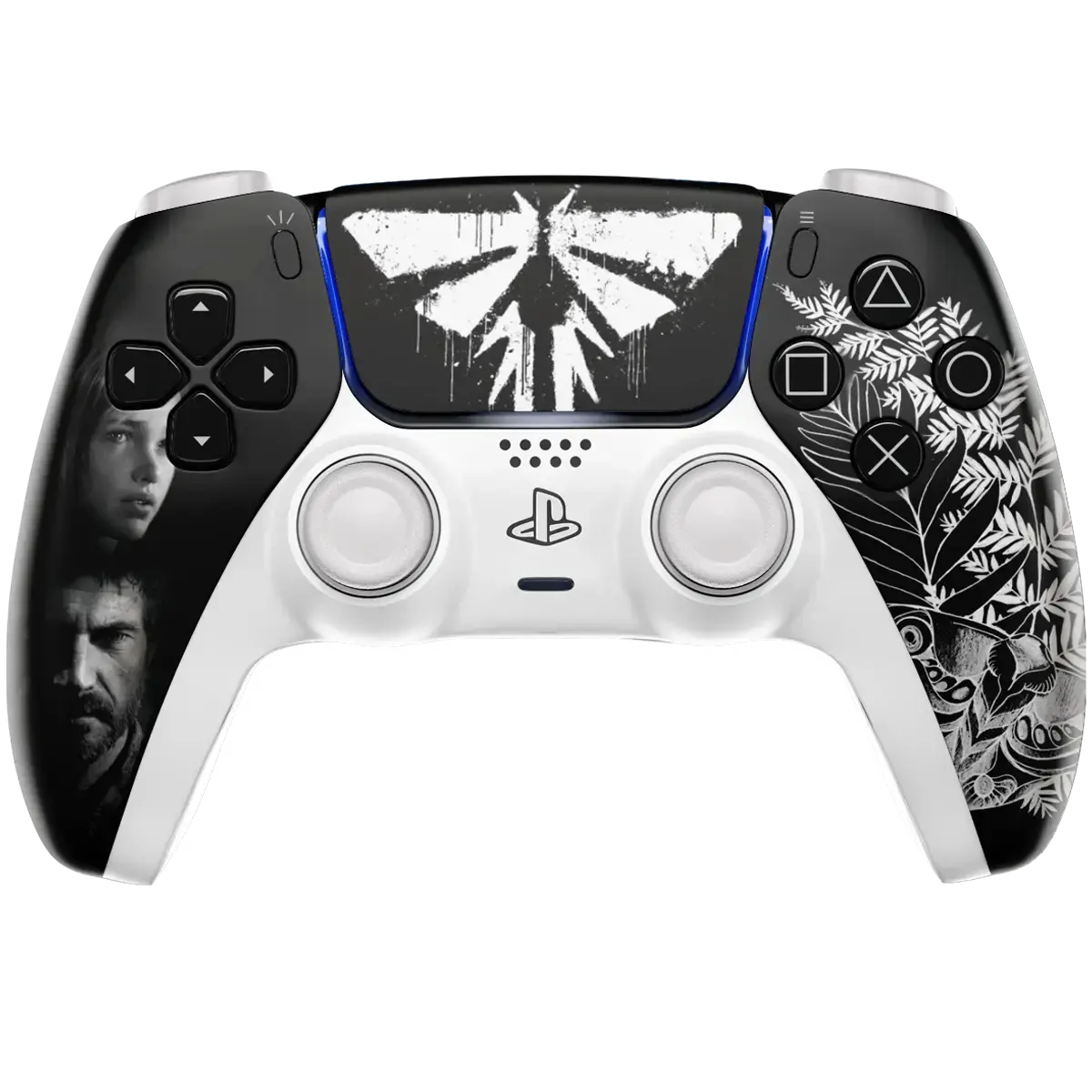
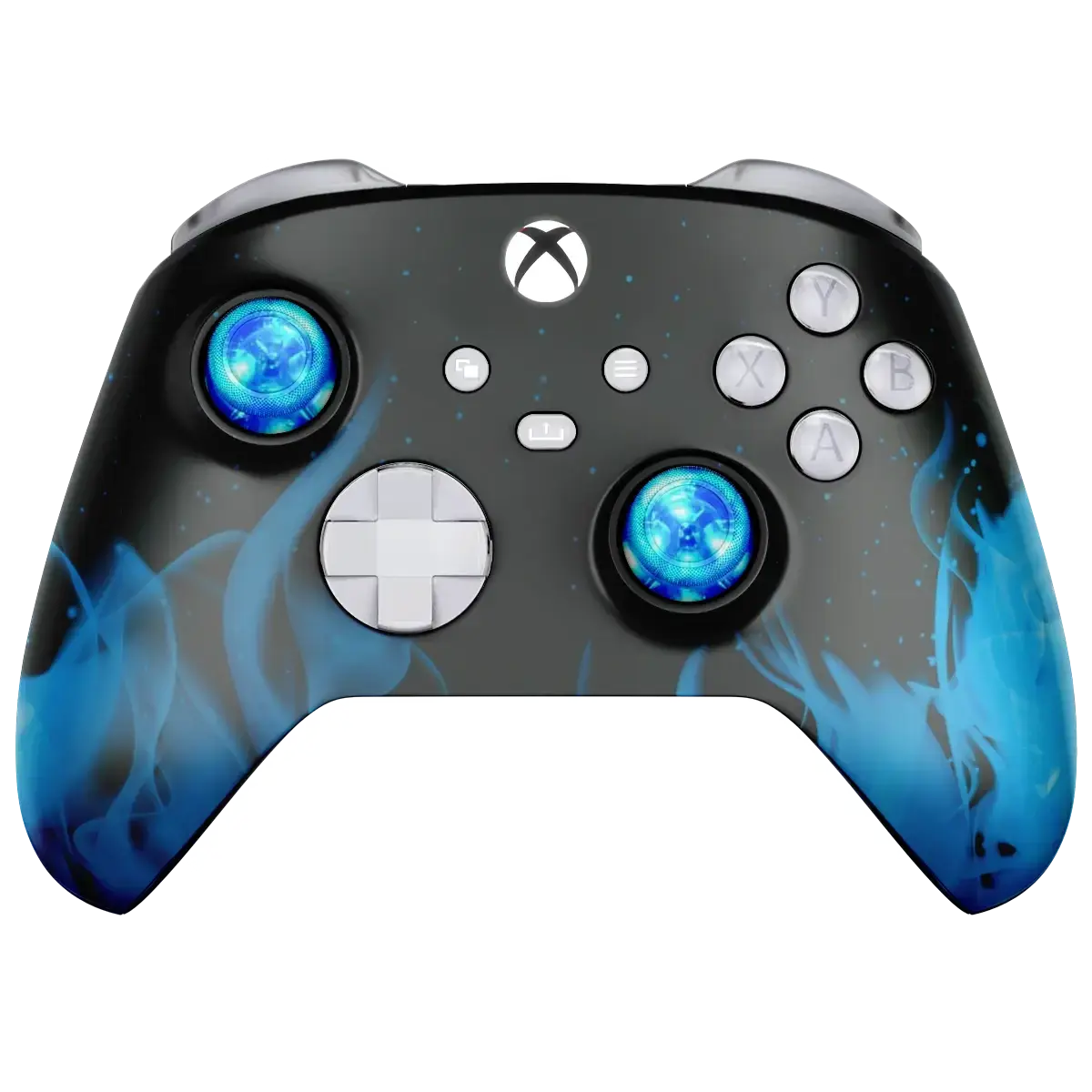
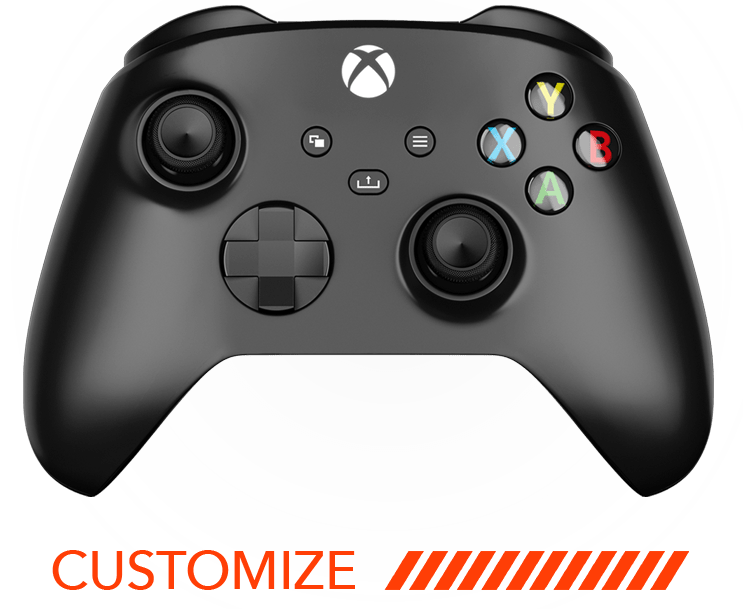
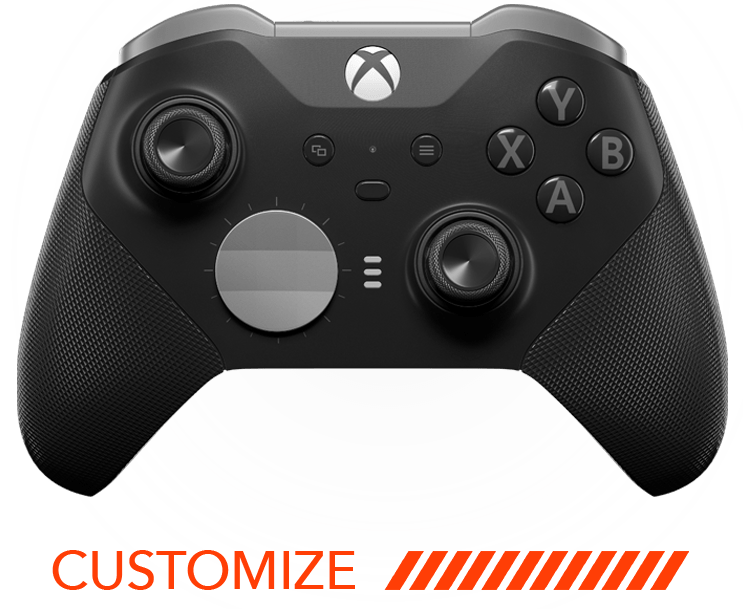
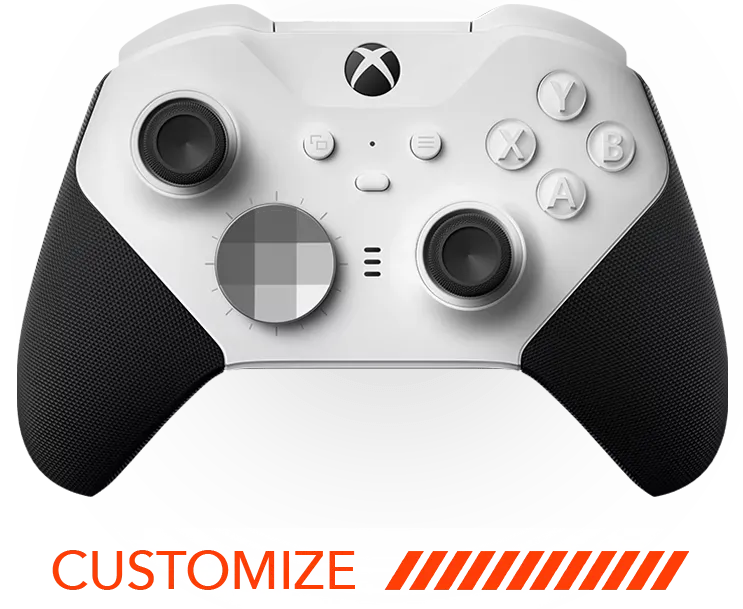
Want to start with design first? The PS5 Customizer lets you build your own, and gamers on the other side of the aisle can use the Xbox Series X|S Customizer. Prefer something ready to go? Browse the PS5 Smart Pro controllers and Xbox Series S/X Smart Pro controllers.
FAQ
Is the MZ Titan OS app free?
Yes, the app itself is free. Some extras, like the Thumbstick Drift Fix, are separate purchasable app features.
What devices can I use?
iPhone, iPad, Android phones and tablets, and Apple M1 Macs.
Do I need button combos to turn mods on?
No. You control mods from the app, and Remote Command handles quick switching on the controller.
How many profiles can I make?
Unlimited.
Can I switch profiles without my phone?
Yes. Remote Command lets you switch profiles or disable mods with two buttons on the controller.
Can I add mods later?
You can add new mods from the Mods Marketplace in the app. Which mods are available depends on your controller's hardware tier.
Does the app update over the air?
Yes, updates are delivered over the air.
Does the app work with Nintendo Switch controllers?
No. Our Nintendo Switch customization is cosmetic only and does not include MZ Titan OS mods.
Are mods allowed in ranked or tournament play?
It depends on the game and event. Mods such as Rapid Fire and Anti-Recoil may conflict with specific terms of service, so check current rules and keep a mods-off profile ready.
What warranty do I get?
A 90-day warranty covers defective parts, workmanship and the modchip.
Ready to Build Yours?
Design your own with the PS5 Customizer or the Xbox Series X|S Customizer, or pick a ready-made Smart Pro build and let the MZ Titan OS app do the rest.