


Most aim trainers are built for a mouse. Ours is built for your controller. The new ModdedZone Controller Aim Trainer is a free 3D aim trainer that runs right in your browser. Plug in your PS5, Xbox or Switch controller, press a button, and start training. No download and no account needed. Every month, the player with the top score wins a free HIPSHOTDOT PRO.

Contents
- How the controller aim trainer works
- The 4 drills
- 6 tips to improve your aim on controller
- Check your controller for stick drift
- Win a HIPSHOTDOT PRO every month
- FAQ
How the controller aim trainer works
The trainer uses your browser's built-in controller support, so it works with the controller you already play with:
- Connect your controller with a USB cable or Bluetooth.
- Press any button. Browsers only see a controller after you press a button.
- Pick a drill with the D-pad and press ✕ / A to start.
- Aim with the right stick and fire with R2 / RT. Press Options / Menu to pause.
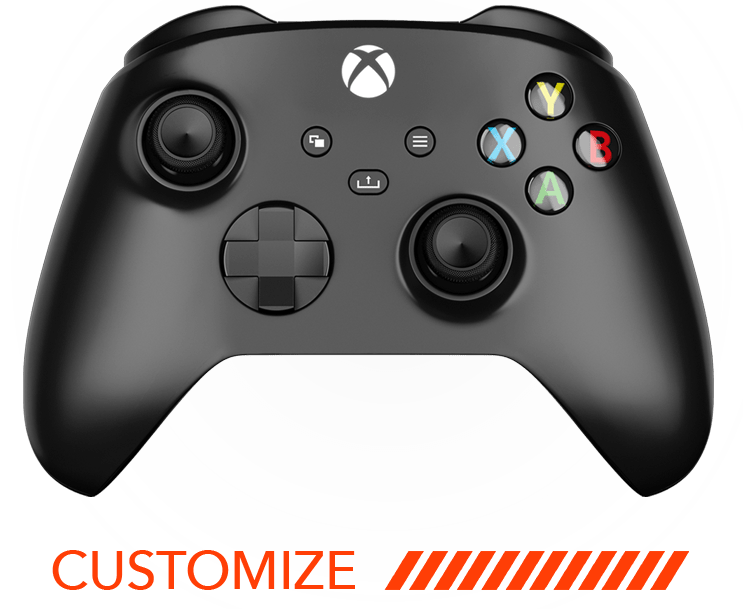
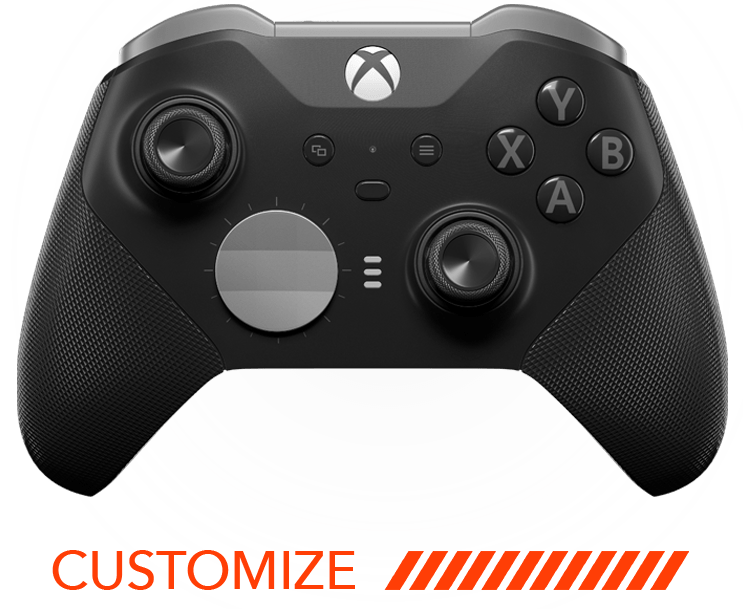
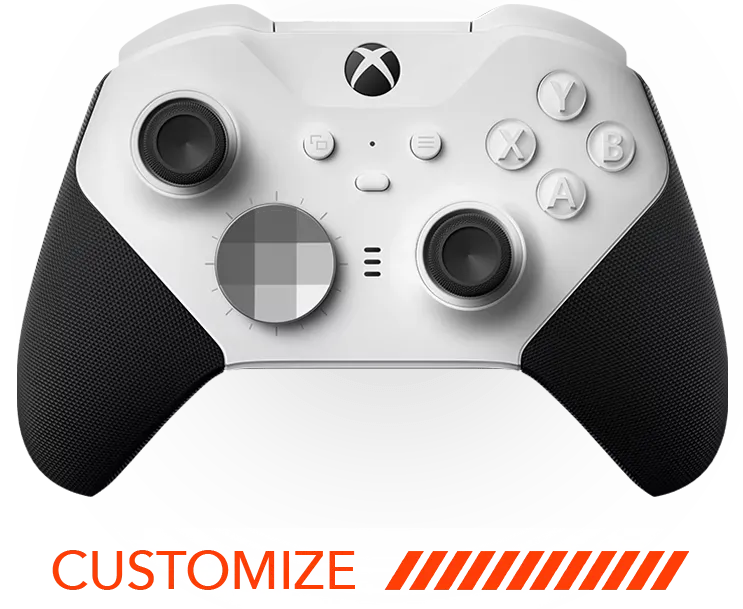
It works with the PS5 DualSense and DualSense Edge, Xbox Series X|S, Xbox One and Xbox Elite, the Nintendo Switch Pro Controller and the PS4 DualShock 4. It runs best in Chrome, Edge or Safari, and the on-screen button prompts match your controller.
The 4 drills
1. Gridshot (60 seconds)
Three targets sit on a grid. Snap between them as fast as you can. Every miss costs points, so it trains speed and accuracy together.
2. Flick (45 seconds)
One small target appears anywhere in front of you. Faster kills earn more points. It trains quick, controlled flicks that stop on the target instead of sliding past it.
3. Tracking (45 seconds)
Hold the trigger and keep your crosshair on a target that strafes and changes direction. It builds the smooth stick control you need in long fights.
4. Reaction time test (5 rounds)
Wait for the screen to turn green, then pull the trigger. Your score is the average of five tries, so you can measure your real trigger reaction on a controller.
6 tips to improve your aim on controller
- Warm up for 10 minutes before you play. One round of each drill before ranked is enough to get your hands ready. Short daily sessions beat one long session a week.
- Find a sensitivity you can control. Start close to your in-game feel and change it in small steps. The right setting lets you flick to a target without overshooting it.
- Set your deadzone as low as your sticks allow. A smaller deadzone means faster, finer aim. If your crosshair moves on its own, your deadzone is too low or your stick is drifting.
- Try different response curves. Dynamic is a good default. Linear gives more raw, direct control, and exponential gives finer aim near the center of the stick.
- Train tracking, not just flicks. Most fights in shooters like Call of Duty are won by staying on target, not by one perfect flick.
- Watch your accuracy, not just your score. If your accuracy drops below about 80%, slow down. Speed comes once your aim is consistent.
Check your controller for stick drift
The trainer's settings screen has a live stick drift test for both thumbsticks. Let go of the sticks and watch the readout. If a stick shows more than about 5% when you're not touching it, that's stick drift. The trainer can measure it and set your deadzone for you automatically.
To fix drift for good, upgrade to ModdedZone TMR thumbstick modules or one of our custom modded controllers.
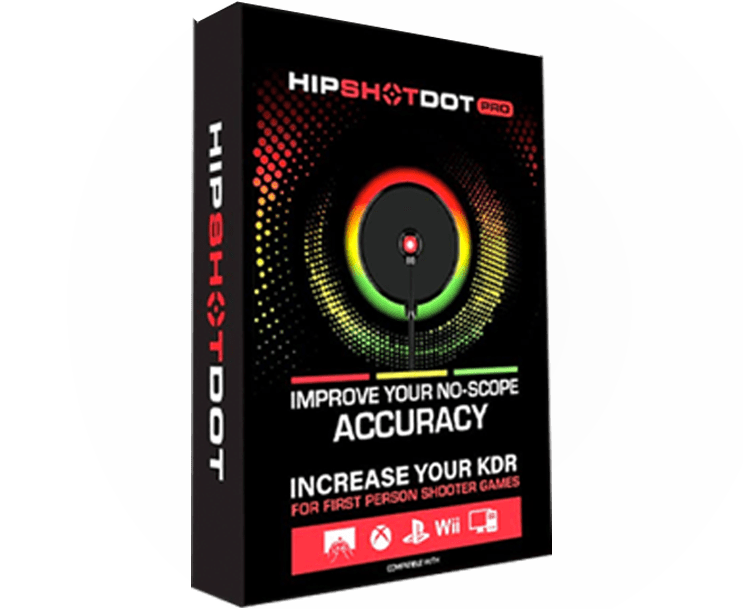
Win a HIPSHOTDOT PRO every month
Every month, one player wins a free HIPSHOTDOT PRO. Here's how it works:
- Play all 4 drills. Each drill is worth up to 1,500 MZ points. Only your best run in each drill that month counts.
- Post your score with a gamer tag and your email, and tick the contest box. Your email stays private.
- Top MZ Score wins. The highest score at 11:59 PM Eastern Time on the last day of the month wins.
The contest is free to enter. It's open to U.S. residents 13 and older, and winners under 18 need a parent's permission to claim the prize. You can see the live standings and the full official rules on the aim trainer page.

What is HIPSHOTDOT?
Aim training builds your stick skills. HIPSHOTDOT helps in the game itself. It's a USB-powered red dot that attaches to your TV or monitor, so you can hit shots from the hip without aiming down sights. The PRO version has 3 dot colors and brightness control, which makes it great for run-and-gun play and trick shots. Shop all HIPSHOTDOT aim assist products.
FAQ
Is the controller aim trainer free?
Yes. It's free, runs in your browser, and needs no download or account. Your settings and personal bests are saved on your device.
Can I use a PS5 controller?
Yes. Plug in your DualSense or DualSense Edge with a USB-C cable, or pair it over Bluetooth, then press any button.
Why isn't my controller detected?
Press a button first, because browsers hide controllers until you do. If it still doesn't show up, try Chrome or Edge, try another USB cable or port, close Steam (Steam Input can take over the controller), and connect only one controller at a time.
Does aim training on controller actually help?
Yes, if you keep it regular. 10–15 minutes a day of Gridshot, Flick and Tracking, followed by your real game, builds the muscle memory and stick control you use in shooters.
Ready to find out how good your aim really is? Start training for free →