

Battlefield 6 rewards players who can switch between precise infantry aim, fast vehicle handling and quick reactions in 64-player chaos. On console, a lot of that comes down to two things: your in-game controller settings and the controller in your hands.
This guide pulls together the starting-point settings recommended by popular community guides, explains why each one matters, and then covers the hardware side: thumbsticks, paddles and mods that make those settings easier to use.
Quick note: the values below are starting points, not gospel. Different guides disagree on a few numbers, and the best setting is the one that feels right in the Firing Range.

Quick List
- Deadzones: lower is better, until drift shows up
- Sensitivity and FOV
- Aim assist settings
- Button layout
- Hardware that helps
- FAQ
Deadzones: Lower Is Better, Until Drift Shows Up
Deadzones set how far you have to push a stick before the game registers input. Smaller deadzones feel more responsive, but too small and a worn stick starts drifting on its own.
| Setting | Dexerto starting point | MP1st starting point |
|---|---|---|
| Left stick center deadzone | 2 | 2 (0 if no drift) |
| Left stick axial deadzone | 5 | 8 |
| Left stick max input threshold | 100 | 80 |
| Right stick center deadzone | 2 | 2 (0 if no drift) |
| Right stick axial deadzone | 5 | 8 |
| Right stick max input threshold | 100 | 100 |
| Triggers | Deadzone 0, max threshold 100 | Not specified |
Both guides say the same thing in different words: keep deadzones as low as you can without drift. That is exactly why stick health matters. If your sticks drift at a deadzone of 2, you are forced to raise it and lose precision. Our guide to fixing stick drift covers the options.
Sensitivity and Field of View
- Infantry aim sensitivity: Dexerto suggests 40 as a starting point; MP1st suggests raising the default of 20 to roughly 40 to 55, or higher if you like twitchy aim.
- Vehicle and aircraft sensitivity: Dexerto lists 40 for vehicle aim, helicopter and jet control, and suggests testing a little lower for vehicles.
- Field of view: Dexerto recommends 105; MP1st calls 100 the sweet spot within a 90 to 100 range.
- Vibration: both guides turn controller vibration off for multiplayer.
Change one value at a time and test in the Firing Range. If you overshoot targets, drop sensitivity a few points; if you cannot turn fast enough, raise it.
Aim Assist Settings
Both guides recommend leaving infantry aim assist and aim assist slowdown at 100, and keeping the standard aim input curves. The one disagreement is zoom snap: Dexerto keeps infantry zoom snap at 100, while MP1st suggests 50 or lower if you want more manual control when aiming down sights. Try both and keep what feels natural. MP1st also sets vehicle aim assist sliders to maximum.
Button Layout and Zoom
- Alternate layout: moves crouch and slide to the right stick and melee to Circle/B, so you can slide without taking your thumb off the aim stick (Dexerto).
- Swap grenade and spot: MP1st suggests making R1 the spot button and L1 the grenade so you can spot while staying aimed in.
- Zoom: both guides use Hold for weapon zoom on L2/LT.
- Sprint: Dexerto uses sprint toggle on L3.

Hardware That Helps
Settings only go so far. Here is how ModdedZone hardware lines up with what Battlefield 6 asks of you.
PS5: Hall Effect Sticks and a Battlefield Build
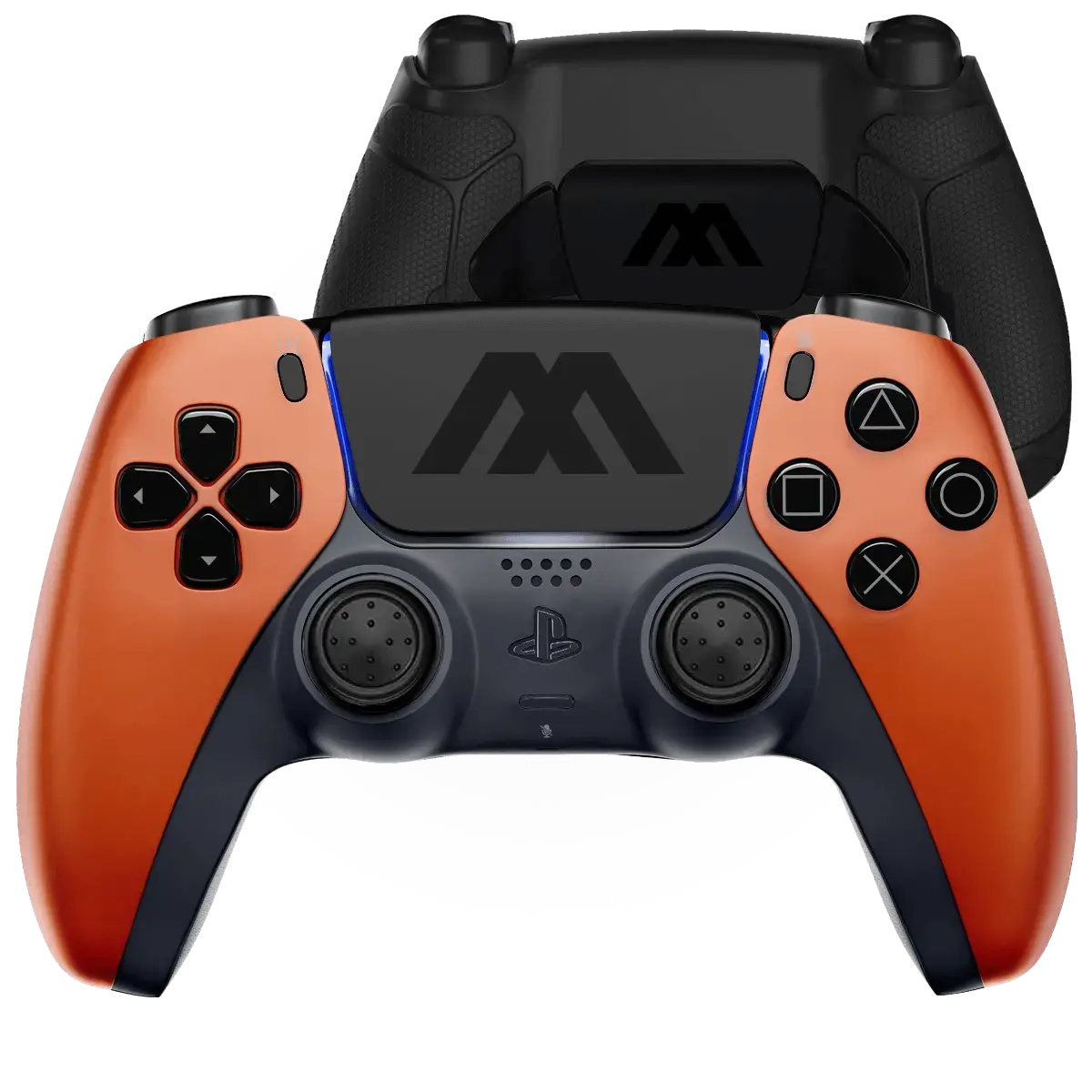
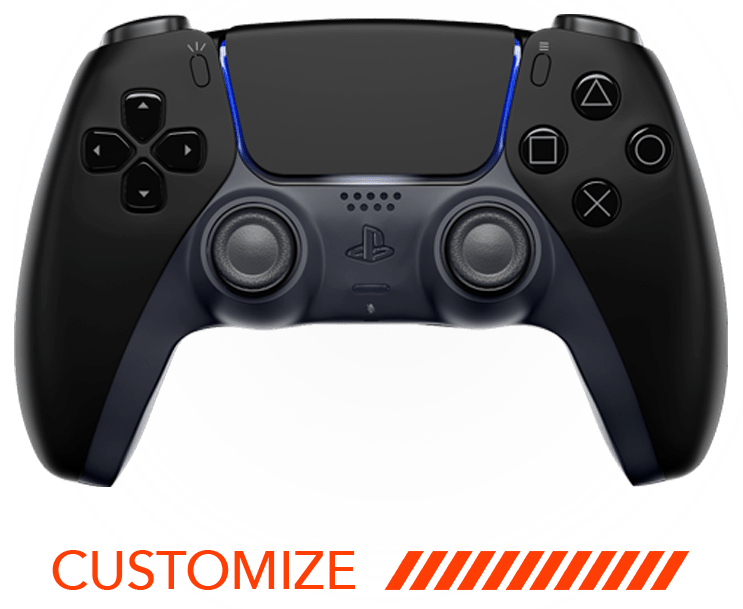
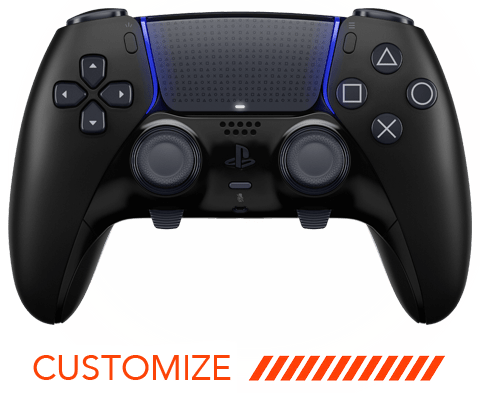
Every standard PS5 Customizer build ships with Hall Effect thumbsticks, which use magnets rather than worn contact pads and are built to resist drift. That supports the low-deadzone approach above. If you want a ready-made look, the BATTLEBORN PS5 custom modded controller is a Battlefield 6-themed build with orange thumbsticks and a rubberized MZ performance back shell, and it works with the free MZ Titan app. Want more tuning options? The PS5 Edge Customizer starts from a DualSense Edge.
Xbox: Paddles and Hall Effect Options
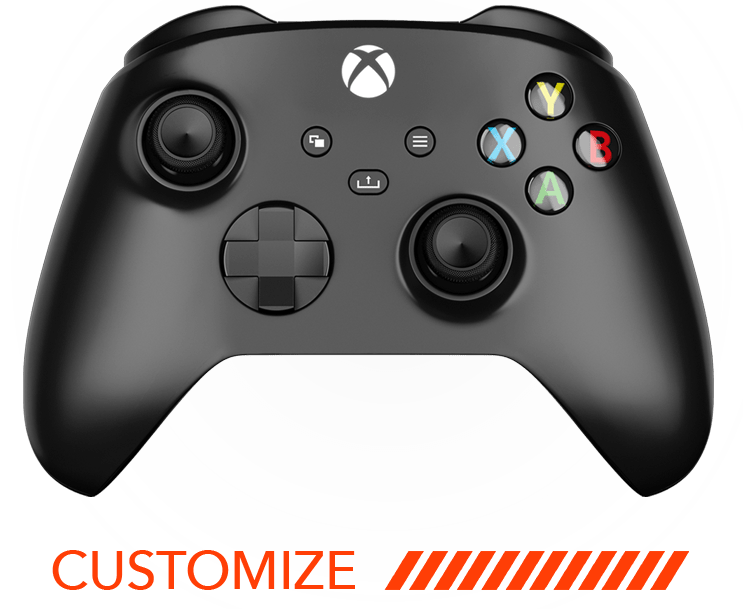
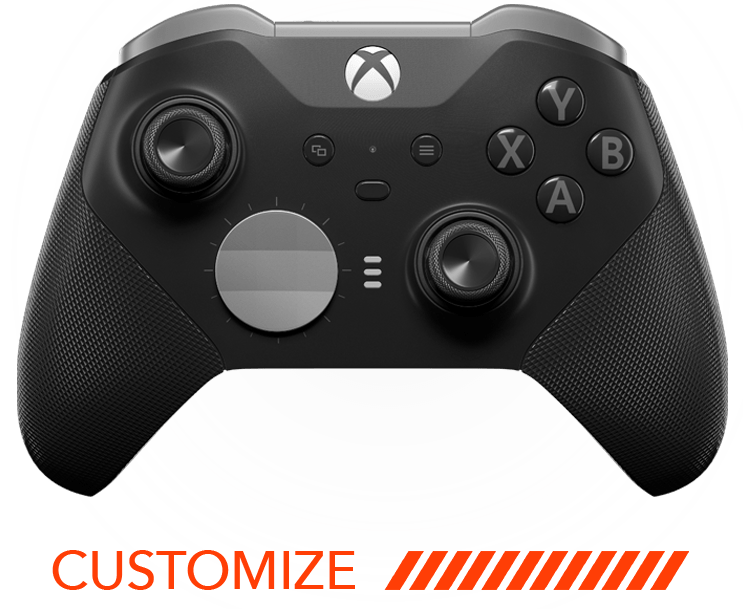
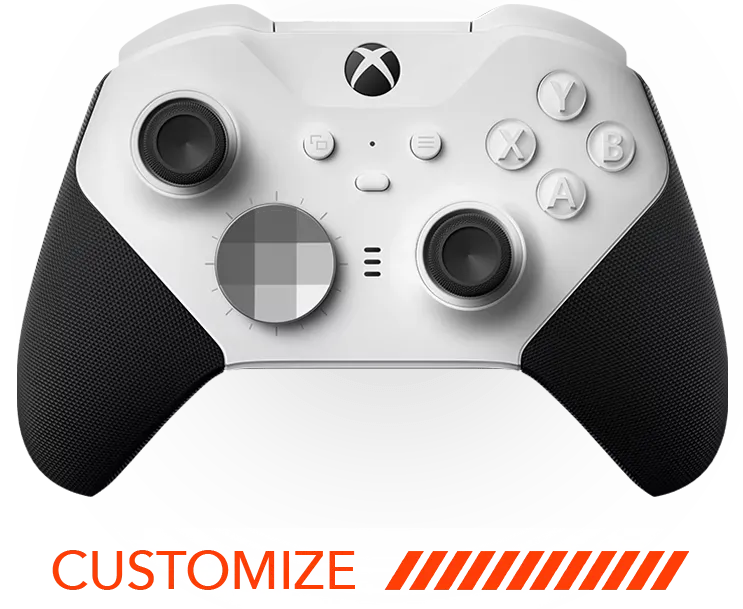
The Xbox Series X|S Customizer is built on genuine Microsoft hardware, but its standard thumbsticks are stock Microsoft parts and it has no native paddles. If you want paddles for sliding and jumping without moving your thumb, look at the Elite 2 Core Customizer, which pairs Hall Effect thumbsticks with native Elite paddles and trigger locks. For Hall Effect on a standard-style Xbox pad, there is the MODDEDZONE PowerA Advantage Hall Effect Wired Controller.

MZ Titan OS: Check the Rules First
MZ Titan OS is ModdedZone's mod chip and free app for iPhone, Android and M1 Mac, with Rapid Fire, Anti-Recoil, Drop Shot and more. Be aware that mods like Rapid Fire and Anti-Recoil may conflict with a game's ranked or competitive terms of service. Check the current Battlefield 6 and EA rules before enabling any mod online. Stick settings, paddles and Hall Effect sticks carry no such concern.
FAQ
What are the best Battlefield 6 controller settings?
There is no single best set. Popular guides start with center deadzones around 2, infantry sensitivity around 40, aim assist at 100 and vibration off, then fine-tune from there.
Should I lower my deadzones?
Yes, as far as you can without stick drift. If your stick drifts at low values, the stick may need replacing.
Is a higher FOV better?
It shows more of the battlefield. Guides suggest 100 to 105; test for comfort and frame rate.
Should I keep aim assist at 100?
Most guides say yes for infantry and slowdown. Zoom snap is the setting with real disagreement.
Do Hall Effect sticks help in Battlefield 6?
They help you keep deadzones low because they are built to resist the wear that causes drift.
Does the standard PS5 Customizer have Hall Effect sticks?
Yes, Hall Effect thumbsticks are standard. TMR is a separate upgrade for DualSense Edge only.
Does the Xbox Series X|S Customizer have paddles?
No. For native paddles, look at the Elite Series 2 or Elite 2 Core options.
Does a custom controller keep PS5 adaptive triggers?
Yes. ModdedZone starts from authentic Sony or Microsoft hardware, and PS5 adaptive triggers and haptics stay fully functional.
Are mods allowed in Battlefield 6?
Not necessarily. Always check the game's current rules before using any mod online.
What warranty do ModdedZone controllers have?
A 90-day warranty covers defective parts, workmanship and the modchip.
Ready to Build Yours?
With 12+ years of experience and 300,000+ controllers shipped, ModdedZone builds from authentic hardware. Start with the PS5 Customizer or the Xbox Series X|S Customizer, or grab the BATTLEBORN and see the difference before your next drop.