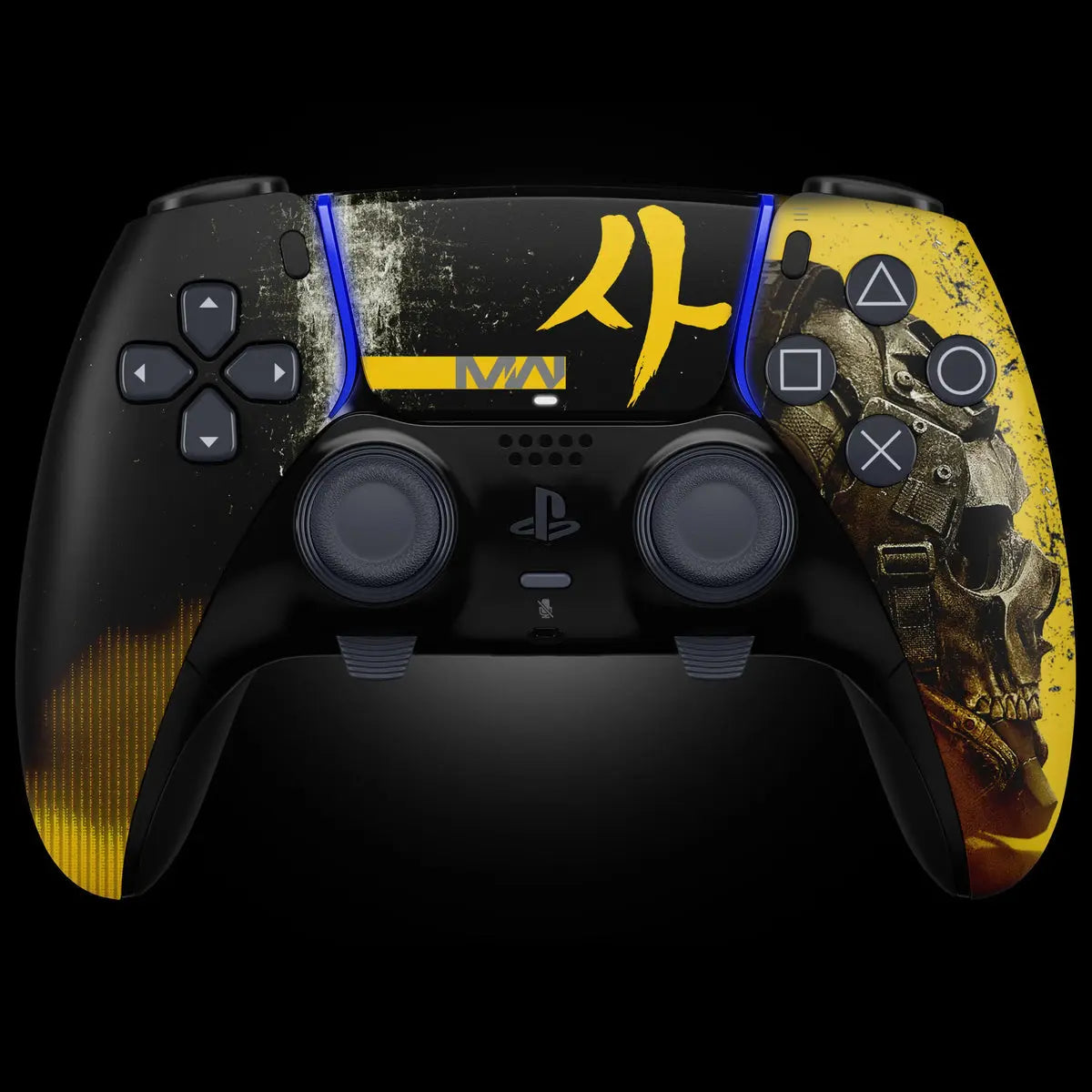


Back paddles are the single biggest hardware upgrade most Call of Duty players never set up properly. Plenty of people buy a controller with paddles, map them once at random, and go right back to pressing face buttons out of habit. That wastes the whole point.
The reason paddles matter in Call of Duty is simple: every time your right thumb leaves the stick to jump, slide or reload, you stop aiming. Moving those actions to the back of the controller lets you keep tracking your target while you move. That's the idea behind the "claw" grip, without having to bend your hand into a claw.
This guide covers proven paddle layouts for the DualSense Edge (two back buttons) and the Xbox Elite Series 2 (four paddles), exactly how to map them using Sony's and Microsoft's own tools, and how to pick the ModdedZone build that matches the way you play.

Quick List: What's in This Guide
- Why paddles matter more in Call of Duty than in most games
- Which controllers actually have native back buttons
- 3 proven DualSense Edge back-button layouts
- 3 proven Xbox Elite Series 2 four-paddle layouts
- Step-by-step: mapping paddles on PS5 and Xbox
- How paddles and MZ Titan OS mods work together
- Choosing the right ModdedZone build
- FAQ: 9 common paddle questions
Why Paddles Matter So Much in Call of Duty
Call of Duty's movement system leans hard on the face buttons. On a default layout, jumping, crouching, sliding, reloading and interacting all sit under your right thumb, the same thumb that controls your aim. In a close-range fight, that creates a constant trade-off: move or aim, but rarely both at full speed.
Paddles remove that trade-off. Your middle fingers rest on the back of the controller anyway, so giving them two to four extra inputs means your thumbs can stay on the sticks for the whole gunfight. The result is less time with your crosshair drifting off target every time you jump around a corner or slide into cover.
Which Controllers Actually Have Native Back Buttons?
Not every controller has back inputs. Here's how the first-party hardware ModdedZone builds on breaks down:
| Controller | Native back inputs | How they're mapped | ModdedZone build |
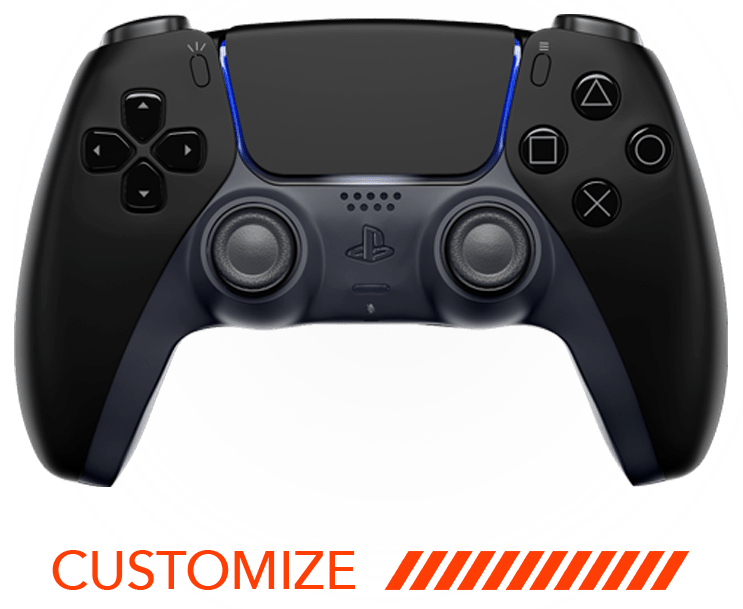
| Standard PS5 DualSense | None | N/A | PS5 Customizer |
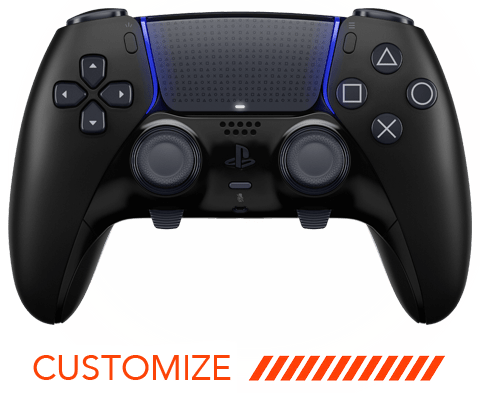
| PS5 DualSense Edge | 2 back buttons | PS5 Settings > Accessories, saved to controller profiles | PS5 Edge Customizer |
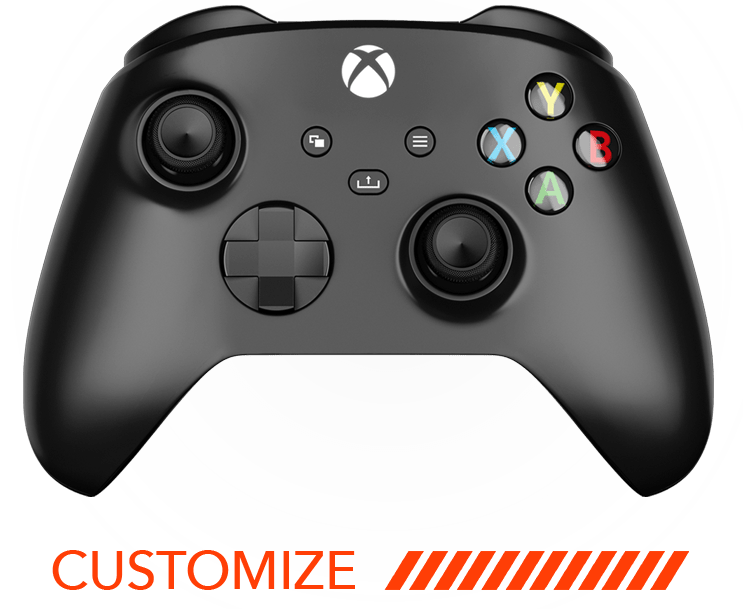
| Xbox Series X|S Wireless Controller | None | N/A | Xbox Series X|S Customizer |
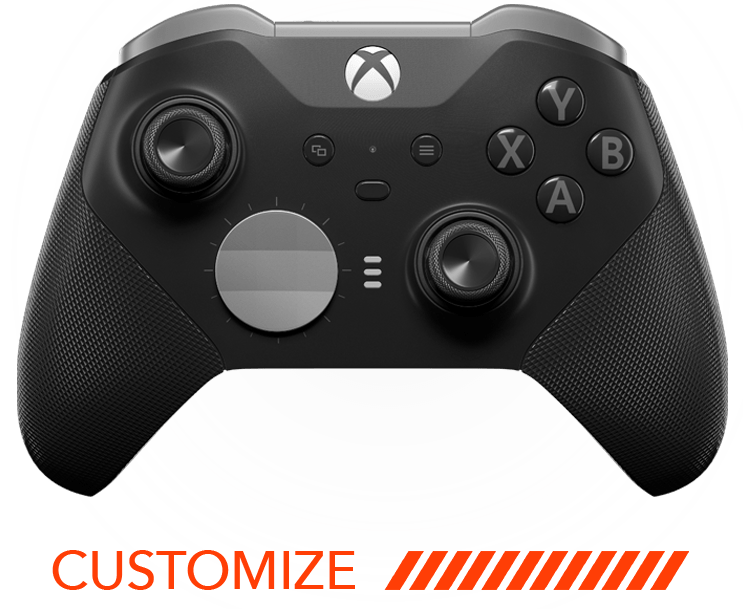
| Xbox Elite Series 2 | 4 paddles | Xbox Accessories app, saved to controller profiles | Xbox Elite Series 2 Customizer |
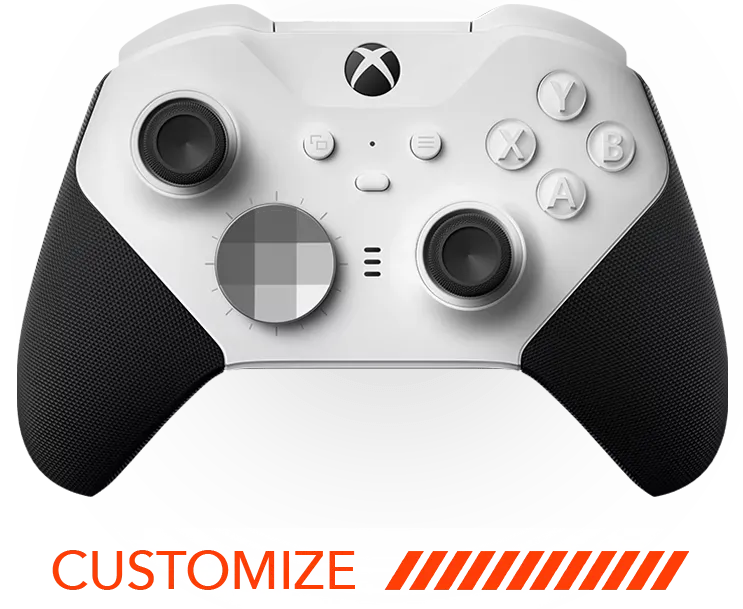
| Xbox Elite Series 2 Core | Same 4-paddle design | Xbox Accessories app | Elite 2 Core Customizer |
If you're on a standard DualSense or a standard Xbox controller, you can still remap buttons at the system level, but you won't gain any extra inputs. Paddles add buttons; remapping just moves the ones you already have.
DualSense Edge: 3 Proven Back-Button Layouts
The DualSense Edge gives you two back buttons. Sony lets you assign functions to them inside custom profiles, and you can switch between profiles mid-session by holding the Fn button and pressing a face button (PlayStation support). With only two inputs, the goal is to move the two actions you press most often during a fight.
Layout 1: Movement First (Most Popular)
- Left back button: Cross (Jump)
- Right back button: Circle (Crouch / Slide)
This is the go-to starting point. Jump-shots, slides and drop-to-crouch peeks all happen without your thumb leaving the right stick. If you only change one thing about your setup this week, make it this.
Layout 2: Slide + Reload
- Left back button: Circle (Crouch / Slide)
- Right back button: Square (Reload / Interact)
Good for players on "Bumper Jumper"-style in-game layouts where jump already sits on a shoulder button. Reloading from the back means you can keep tracking while you top off a magazine.
Layout 3: Aggressive Entry
- Left back button: Cross (Jump)
- Right back button: Square (Reload / Interact)
Pair this with an in-game layout that puts crouch on a stick click. It favors players who push buildings and need fast reloads between engagements.

Xbox Elite Series 2: 3 Proven Four-Paddle Layouts
The Elite Series 2 has four paddles, and Microsoft lists them alongside every other button that can be remapped through the Xbox Accessories app (Xbox). Four inputs means you can move almost your entire movement kit to the back.
Layout 1: Full Movement Kit
| Paddle | Assignment |
| Upper left | Y (Swap weapon) |
| Lower left | X (Reload / Interact) |
| Upper right | A (Jump) |
| Lower right | B (Crouch / Slide) |
This mirrors the face buttons onto the paddles, which makes it the easiest four-paddle layout to learn. Your thumb almost never needs to touch the face buttons during a fight.
Layout 2: Movement + Tactical
- Upper right: A (Jump)
- Lower right: B (Crouch / Slide)
- Upper left: X (Reload / Interact)
- Lower left: Left stick click (Sprint / Tactical Sprint)
Clicking the left stick under pressure is one of the most common causes of accidental stick wear and missed sprints. Moving it to a paddle keeps sprint consistent and takes strain off the stick.
Layout 3: Minimalist Two-Paddle
Some players find four paddles too many. Pull the two upper paddles off, map the lower pair to A (Jump) and B (Crouch / Slide), and you have the Edge's movement-first layout on Xbox. Add more once the first two feel automatic.

Step by Step: How to Map Your Paddles
On PS5 (DualSense Edge)
- Go to Settings > Accessories and select the DualSense Edge custom profiles.
- Create a custom profile and select Customize Button Assignments.
- Pick each back button and choose the function you want it to perform.
- Select Apply, then assign the profile to a shortcut so you can switch to it with Fn plus a face button.
Per Sony's own support page, you can swap L2 and R2 but can't assign another button to work as the triggers, and the Fn button can't be reassigned (PlayStation support).
On Xbox (Elite Series 2)
- Open the Xbox Accessories app on your Xbox or Windows PC.
- Select your Elite controller and create or edit a profile.
- Choose each paddle and assign it a button.
- Save the profile to the controller and switch with the profile button.
Microsoft's app also handles thumbstick sensitivity curves and trigger dead zones on the Elite, so it's worth setting those in the same profile (Xbox Accessories app).
The Golden Rule: Duplicate, Don't Remove
When you map a paddle to Jump, leave Jump on its face button too. That way your old muscle memory still works while you train the new habit, and you can drift over to the paddle naturally over a few sessions instead of fighting your instincts mid-match.
How Paddles and MZ Titan OS Mods Work Together
Paddles move inputs; mods change what inputs do. On a ModdedZone controller equipped with MZ Titan OS, the two complement each other. The FPS Mod Pack includes Drop Shot and Jump Shot, and the Ultimate Mod Pack adds COD Slide Cancel and Auto Reload, among others, per our Mods & Mod Packs page. Setting your paddles to match how those mods trigger keeps everything under your fingers instead of under your thumbs.
A quick but important note: performance mods like Rapid Fire and Anti Recoil may conflict with specific games' ranked or competitive rules. Rules change by title, mode and patch, so check the current terms before using mods in ranked play or tournaments.

Choosing the Right ModdedZone Build
- You want paddles on PS5: Go with the PS5 Edge Customizer (from $209.99) or browse ready-made DualSense Edge controllers. It's the only PS5 option with native back buttons.
- You want four paddles on Xbox: The Xbox Elite Series 2 Customizer (from $209.95) or a pre-designed Elite Signature Edition build.
- You want Elite paddles plus Hall Effect sticks for less: The Elite 2 Core Customizer (from $169.95) is the value pick.
- You don't need paddles yet: The PS5 Customizer ($84.99, Hall Effect thumbsticks standard) or the Xbox Series X|S Customizer give you a custom look and MZ Titan OS mod options on genuine Sony or Microsoft hardware.
Every ModdedZone controller starts from brand-new, authentic first-party hardware, never a third-party shell, so Sony's and Microsoft's own paddle mapping tools work exactly as they would on a stock controller.
Frequently Asked Questions
Do paddles actually make you better at Call of Duty?
Paddles don't aim for you, but they let you jump, slide and reload without taking your thumb off the right stick. That means more time on target during movement, which is where most close-range fights are decided.
How many back buttons does the DualSense Edge have?
Two. You assign their functions inside custom profiles under Settings > Accessories on PS5.
How many paddles does the Xbox Elite Series 2 have?
Four. They're mapped through the Xbox Accessories app on Xbox consoles or Windows PCs.
Can I add paddles to a standard PS5 or Xbox controller?
Standard DualSense and Xbox Series X|S controllers don't have native back inputs. If paddles are a priority, choose a DualSense Edge or Xbox Elite Series 2 build.
What's the best first layout for a beginner?
Jump and Crouch/Slide on the back. It's the highest-impact change with the shortest learning curve.
Should I remove the original button assignment when I map a paddle?
No. Keep the action on its face button too while you learn. You can disable the face-button copy later if you want.
Can I save different paddle layouts for different games?
Yes. Both the DualSense Edge and Xbox Elite Series 2 store multiple profiles on the controller and let you switch between them during play.
Do paddles work with MZ Titan OS mods?
Yes. Paddles are handled by Sony's and Microsoft's native mapping tools, while mods run on the MZ Titan modchip and are managed in the MZ Titan App, so you can use both on the same controller.
Are paddles allowed in ranked play?
Paddles are standard features of first-party pro controllers. Performance mods are a separate question: they may conflict with specific games' ranked or competitive rules, so always check the current terms for the mode you're playing.
Build Your Paddle-Ready Controller
A good paddle layout turns a pro controller from "nice to have" into a real advantage. If you're on PlayStation, start with the PS5 Edge Customizer for native back buttons, or the PS5 Customizer if you want a custom DualSense first. On Xbox, the Xbox Elite Series 2 Customizer gives you four paddles to work with, and the Xbox Series X|S Customizer is there when you want a standard controller built your way. Pick your platform, map your paddles, and keep your thumbs on the sticks.