



Your character creeps forward while your thumb is nowhere near the stick. Your camera slowly pans to the left in the middle of a gunfight. If that sounds familiar, you have stick drift, and you are far from alone. It is one of the most common failures on any modern controller, from PS5 DualSense pads to Xbox Series X|S controllers.
The good news: sometimes drift is a quick fix. The honest news: when it is caused by worn internal parts, no amount of software tweaking makes it permanent. This guide walks through what causes drift, the fixes worth trying first, and what to do when they stop working.
We build modded controllers at ModdedZone, so we will tell you where our own hardware helps and where it does not. Where we have not verified something, we say so.
Quick List
- What stick drift actually is
- Common causes
- Quick fixes to try first
- When a fix won't hold
- Permanent options: Hall Effect, TMR and the Drift Fix feature
- Which option fits you
- FAQ
What Stick Drift Actually Is
Stick drift is when a thumbstick reports movement that you are not making. The controller thinks the stick is slightly off-center even when it is resting, so the game receives a constant input. You see it as a wandering cursor, a slowly turning camera, or a character that will not stand still.
It matters most in competitive games, where tiny aim errors add up. A stick that pushes your crosshair a few degrees off target can cost you fights without you ever realizing why.
Common Causes of Stick Drift
Most standard controller sticks use a potentiometer, which reads position through physical contact on a resistive track. Several things can throw that reading off:
- Wear on the contact track. Every flick of the stick rubs the contacts against the track. Over months of heavy use, that friction degrades the signal.
- Dust, grime and debris. Dirt that works its way under the stick cap can interfere with how the stick sits and moves.
- Heavy play patterns. Players who push sticks hard into the edge of the gate, such as in shooters and sports games, tend to wear them faster.
- Software or deadzone issues. Sometimes the hardware is fine and a game's deadzone setting is simply too tight.
Quick Fixes to Try First
Work through these in order. They cost nothing and rule out the simple causes.
- Restart and update. Power the controller off, reconnect it, and make sure your console and controller firmware are up to date.
- Raise the in-game deadzone. Most competitive games let you adjust the stick deadzone. A slightly larger inner deadzone can mask minor drift. On Xbox, the Xbox Accessories app also offers stick-related settings on supported controllers.
- Check for a stuck cap or debris. Look around the base of the stick. Compressed air can clear loose dust without opening the controller.
- Test on a different game or device. If drift only appears in one title, it is a settings issue, not hardware.
A caution on opening your controller: cleaning inside the shell with solvents is a common internet tip, but it can void your manufacturer's warranty and damage internal parts if done wrong. If your controller is still under warranty, contact the manufacturer first.
When a Fix Will Not Hold
If drift keeps coming back after the steps above, the sensor itself is likely worn. At that point you are choosing between replacing the controller with the same kind of stick, which will eventually wear the same way, or switching to a stick built on a different technology.
Permanent Options: Hall Effect, TMR and the Drift Fix Feature
Hall Effect thumbsticks
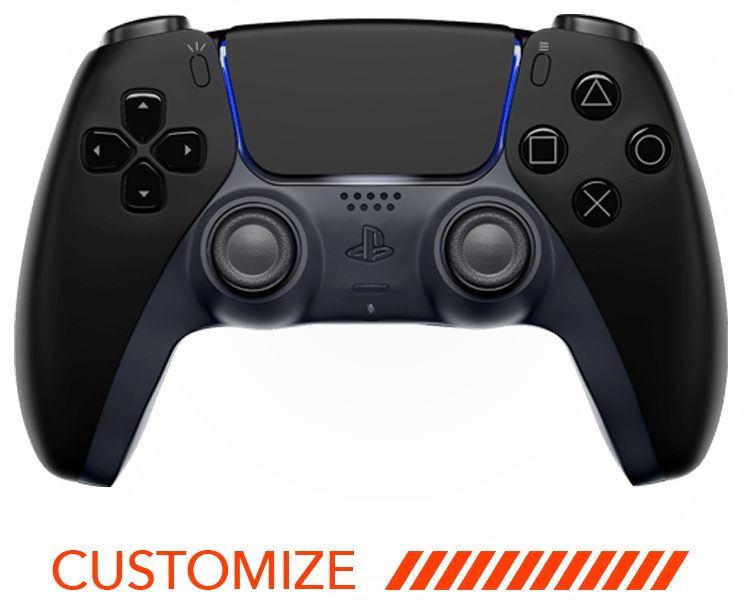
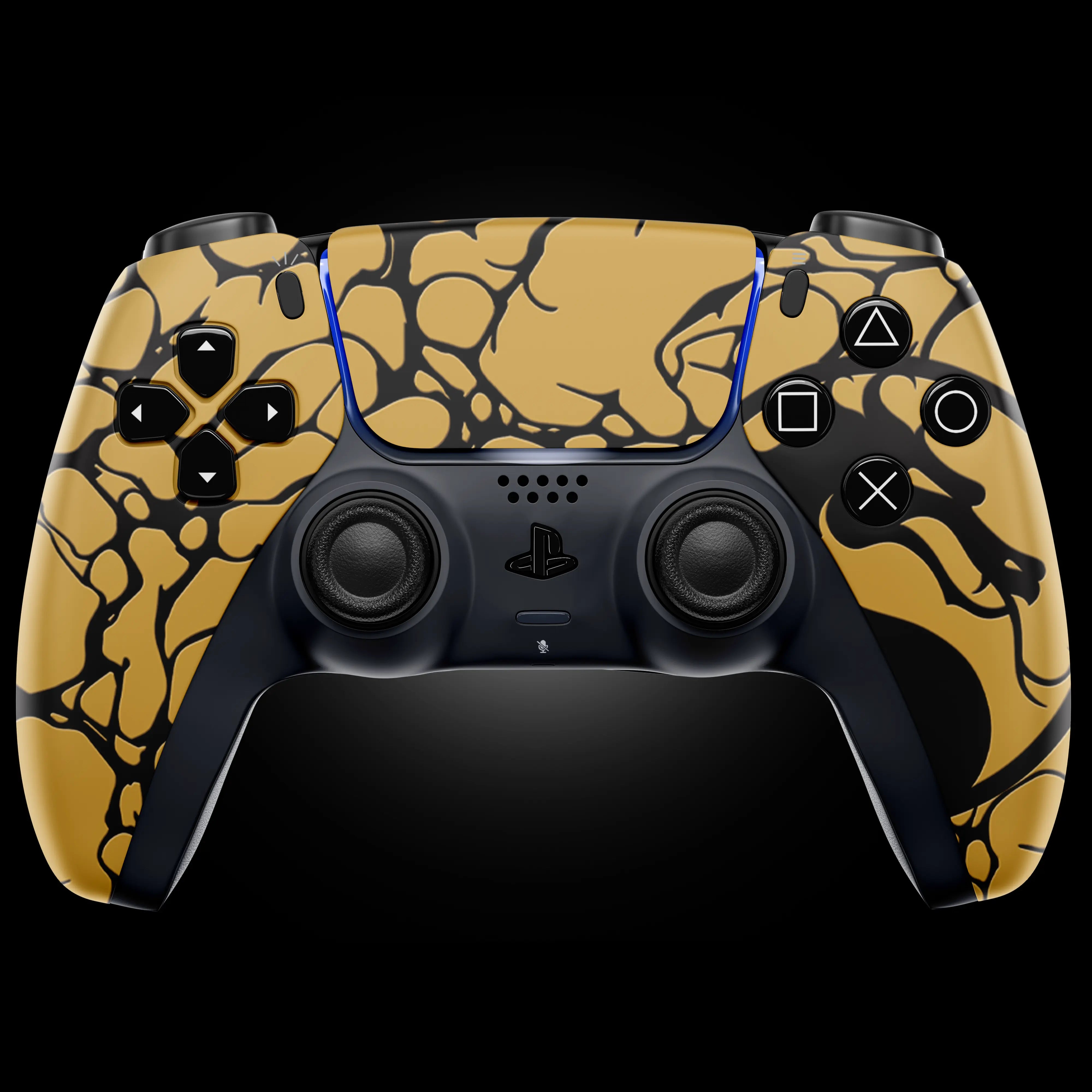
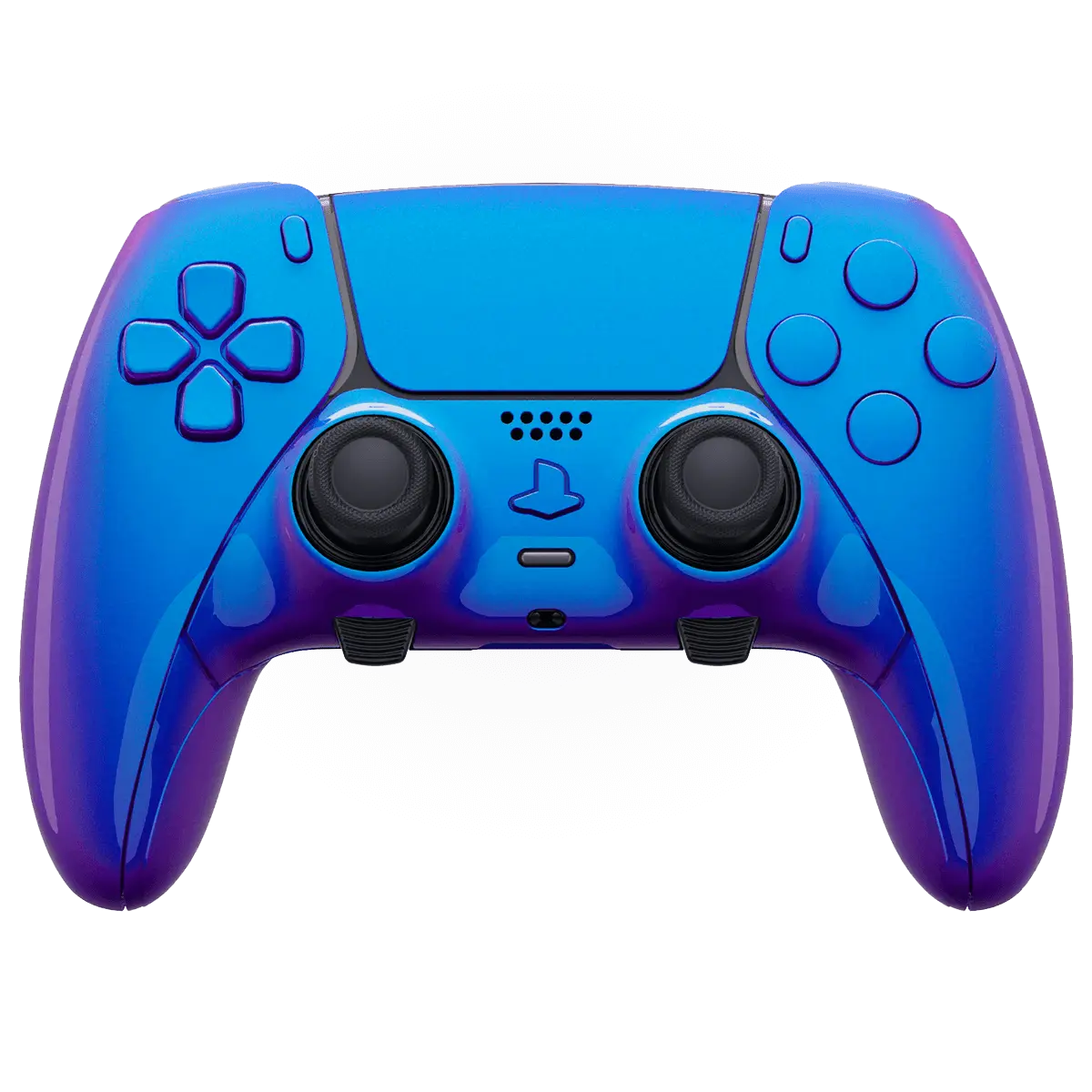
Hall Effect sticks replace the physical contact track with a magnet and a sensor, so nothing rubs together to wear out. The standard ModdedZone PS5 Customizer ($84.99) ships with Hall Effect thumbsticks as standard, built on a genuine, brand-new Sony DualSense with adaptive triggers and haptics fully functional.
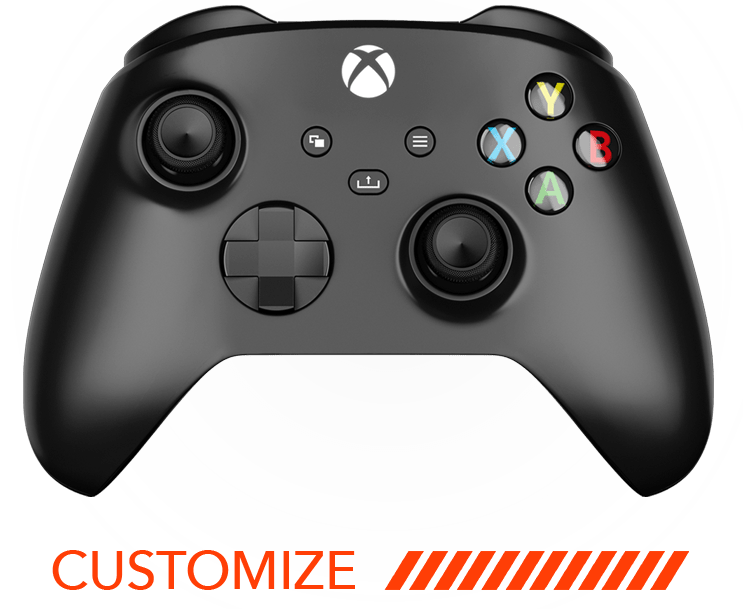
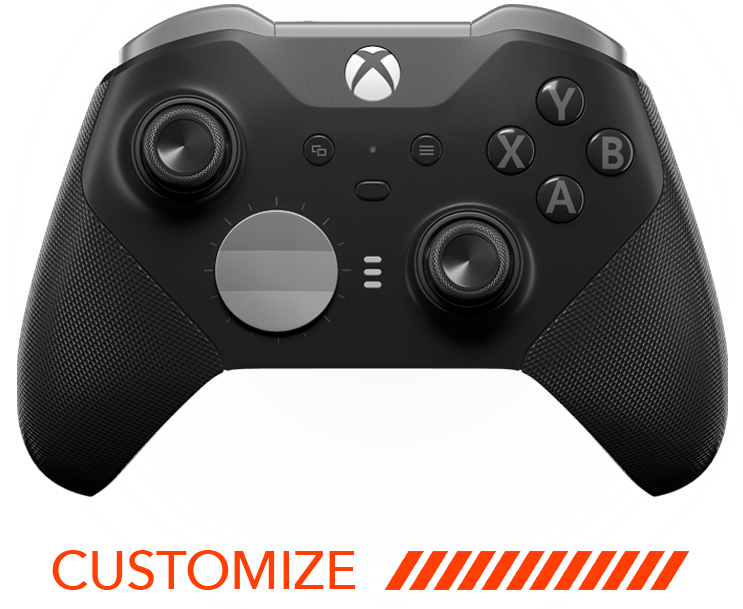
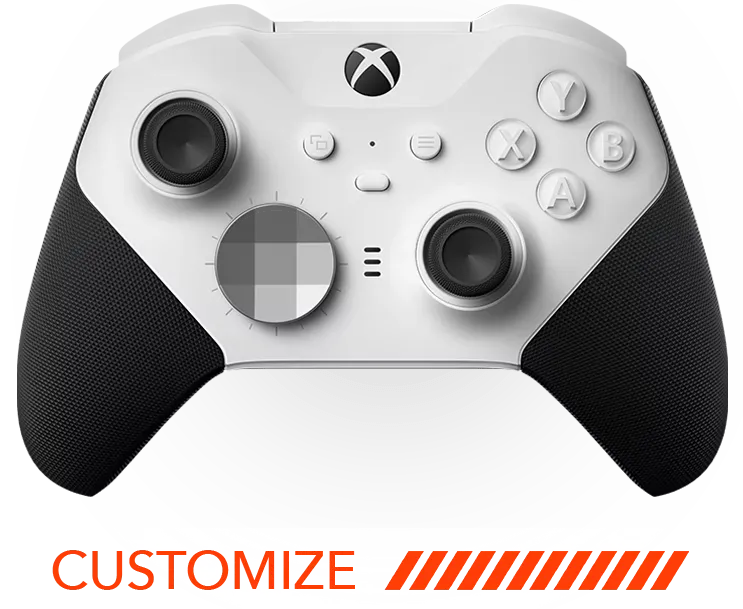
On Xbox, the picture is different. The Xbox Series X|S Customizer ($79.95) uses stock Microsoft thumbsticks, which are not Hall Effect. If drift resistance is your priority on Xbox, look at the Elite 2 Core Customizer ($169.95), which ships with Hall Effect thumbsticks plus native Elite paddles and trigger locks, or the PowerA Advantage Hall Effect Wired Controller, available through ModdedZone from about $109.99.
TMR modules for the DualSense Edge
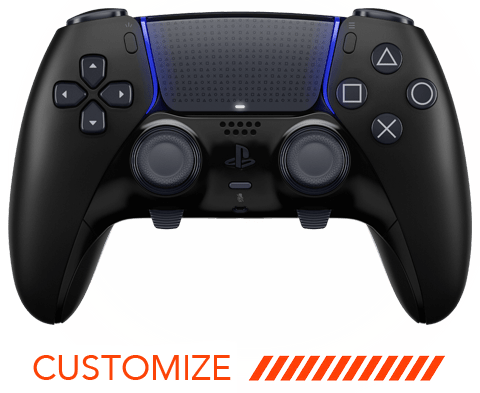
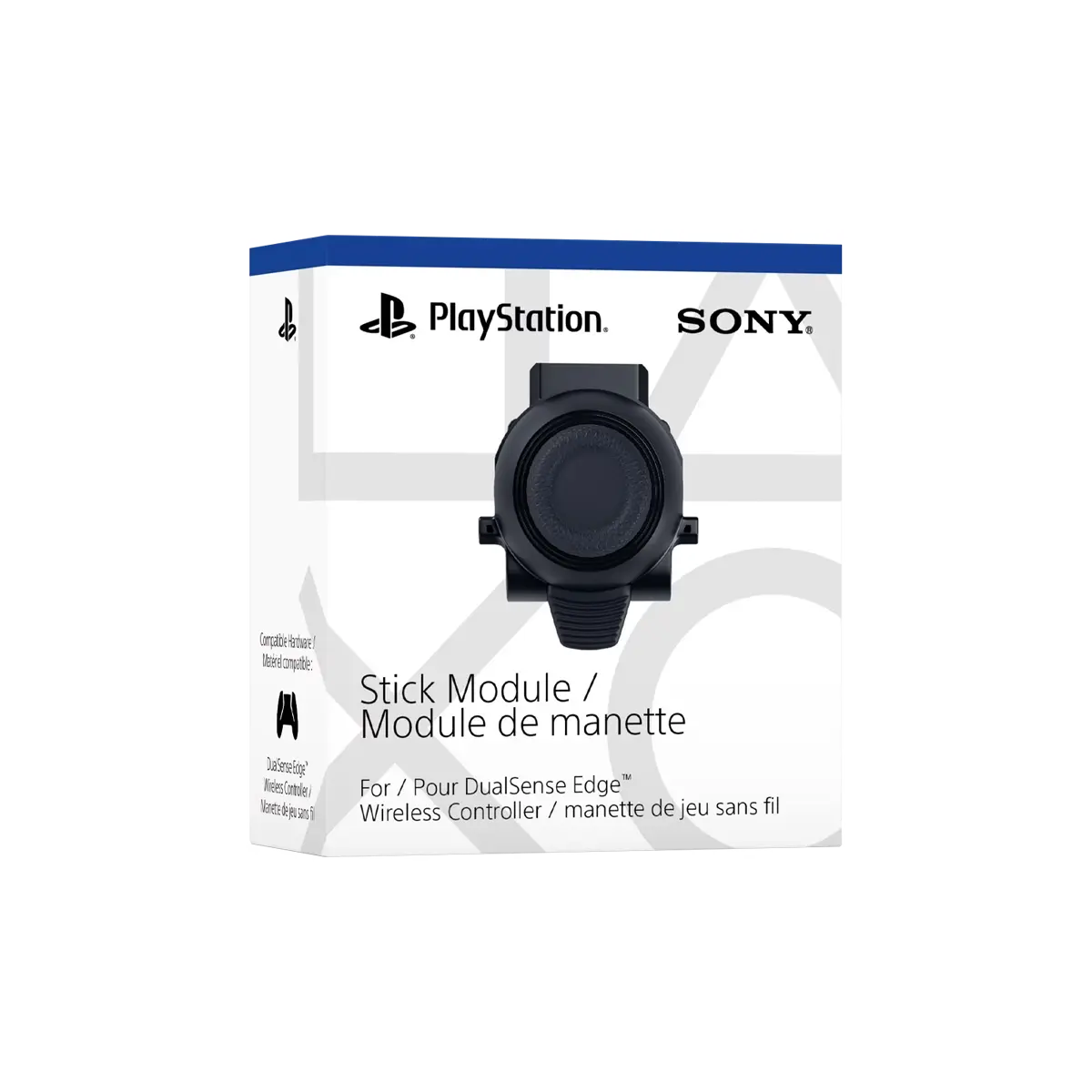
If you already own a DualSense Edge, its thumbsticks are modular. ModdedZone sells a DualSense Edge Thumbstick TMR Module from $59.99 (Standard Black) to $69.99 (colors). TMR is also non-contact and magnet-based, with tighter linearity and low latency. Two things to know: it fits the DualSense Edge only, not a standard DualSense, and modules are sold per unit, so replacing both sticks means two.
The Thumbstick Drift Fix in MZ Titan OS
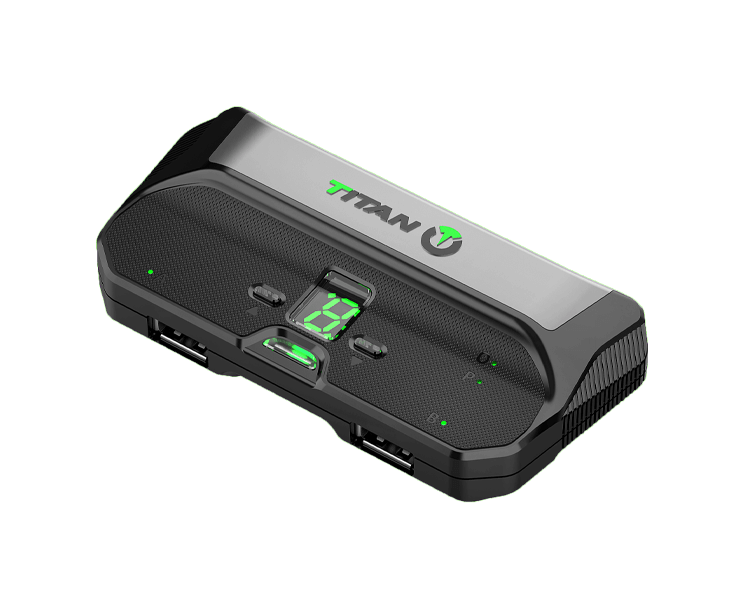
If you have a ModdedZone controller with the MZ Titan modchip, there is a separate software-side option. A Thumbstick Drift Fix feature is available as a standalone purchase through the free MZ Titan OS app (modchip v2.0 and up). It is not bundled into the Ultimate Mod Pack, so add it separately if you want it.
Which Option Fits You
| Situation | Best route | Cost note |
|---|---|---|
| Minor drift, controller still fine | Deadzone tweak, restart, clear debris | Free |
| Own a DualSense Edge | TMR module swap | $59.99-$69.99 per module |
| Standard PS5 controller, drift is back | PS5 Customizer with Hall Effect sticks | $84.99 |
| Xbox player wanting drift resistance | Elite 2 Core or PowerA Hall Effect | $169.95 / from about $109.99 |
| Already have a ModdedZone modchip | Thumbstick Drift Fix in MZ Titan OS | Separate app purchase |
Warranty and Drift
ModdedZone products carry a 90-day warranty on defective parts, workmanship and modchip function, which does not cover excessive wear. For long-term coverage, an optional 1 Year Armor warranty includes wear and tear and thumbstick drift, limited to two requests a year. The 1 Year MZ warranty does not cover drift. Check the product page for the current terms before you buy.
Frequently Asked Questions
What causes stick drift?
Usually wear on the contact track inside a standard potentiometer stick, sometimes made worse by dust or debris. Settings problems can mimic it.
Can I fix stick drift for free?
Sometimes. Restarting, updating, adjusting the in-game deadzone and clearing loose debris solve milder cases. Worn sensors usually need replacement.
Will drift come back after a fix?
If the cause is a worn potentiometer, it often does, because the same wear mechanism is still there.
Do Hall Effect thumbsticks drift?
They resist the contact wear that causes classic drift, since sensing is non-contact. No hardware is rated to last forever.
Does the standard PS5 Customizer have Hall Effect sticks?
Yes. The $84.99 PS5 Customizer ships with Hall Effect thumbsticks as standard, not as an upsell.
Does the Xbox Series X|S Customizer have Hall Effect sticks?
No. It uses stock Microsoft thumbsticks. For Hall Effect on Xbox, see the Elite 2 Core Customizer or the PowerA Advantage Hall Effect Wired Controller.
Will the TMR module fit a regular DualSense?
No. It is built for the DualSense Edge only.
Does the Thumbstick Drift Fix come with the Ultimate Mod Pack?
No. It is a separate purchase through the MZ Titan OS app.
Do Hall Effect sticks affect adaptive triggers or haptics?
No. Those are separate systems and stay fully functional on ModdedZone PS5 builds.
Are performance mods allowed in ranked play?
Hall Effect and TMR sticks are sensing upgrades. Mods like Rapid Fire or Anti-Recoil may conflict with a game's ranked or competitive terms of service, so check current rules for your game first.
Ready to Be Done With Drift?
If your sticks are wearing out, skip the cycle of replacing like for like. Build a drift-resistant PS5 controller or Xbox Series X|S controller, or upgrade a DualSense Edge with a TMR module.