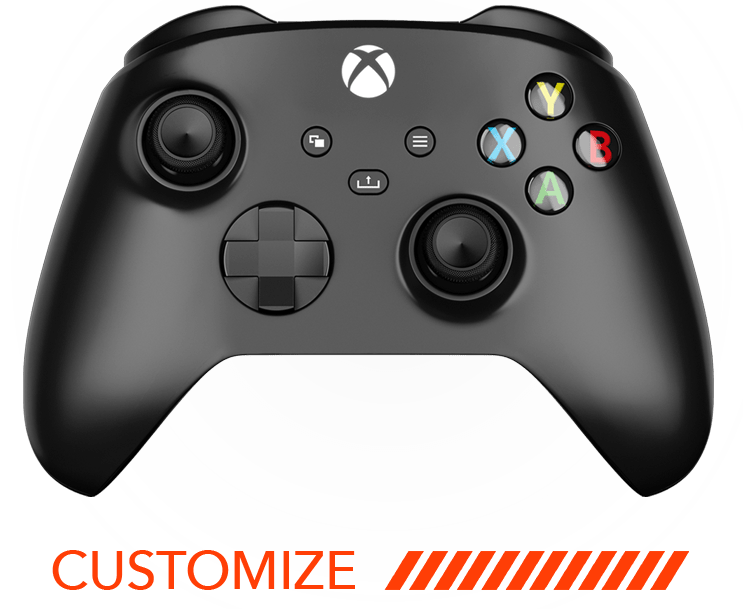
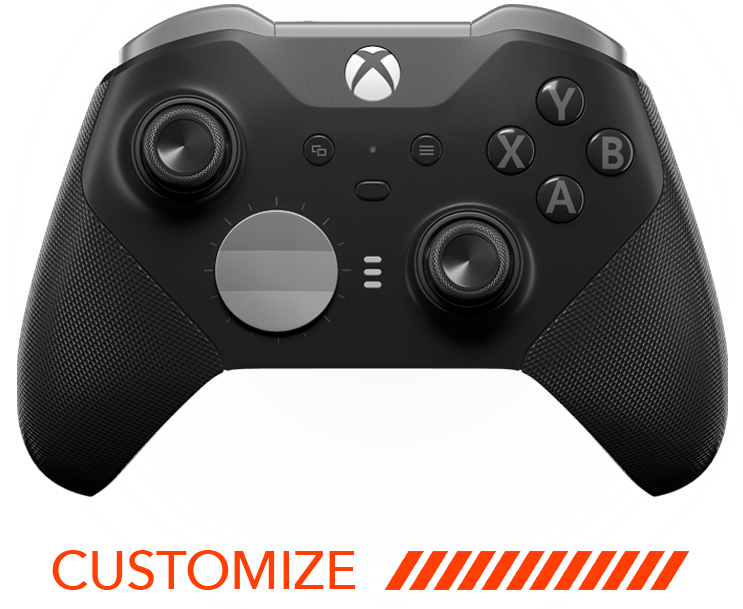
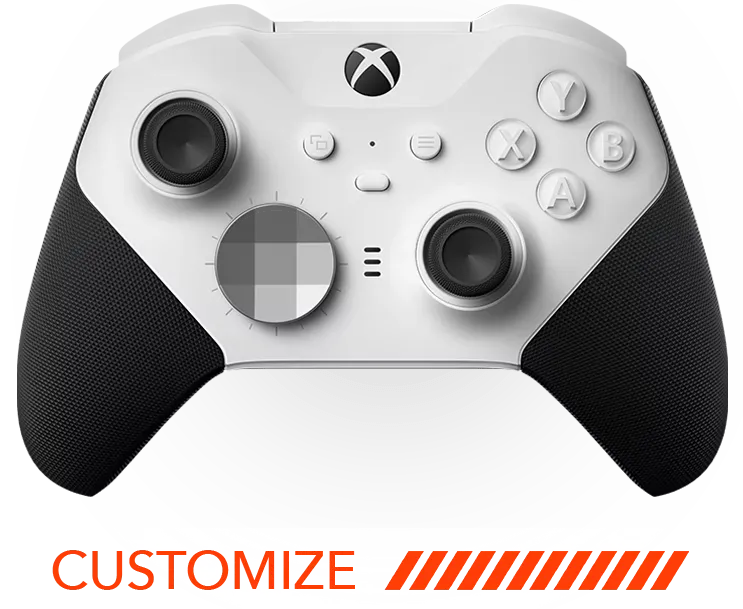




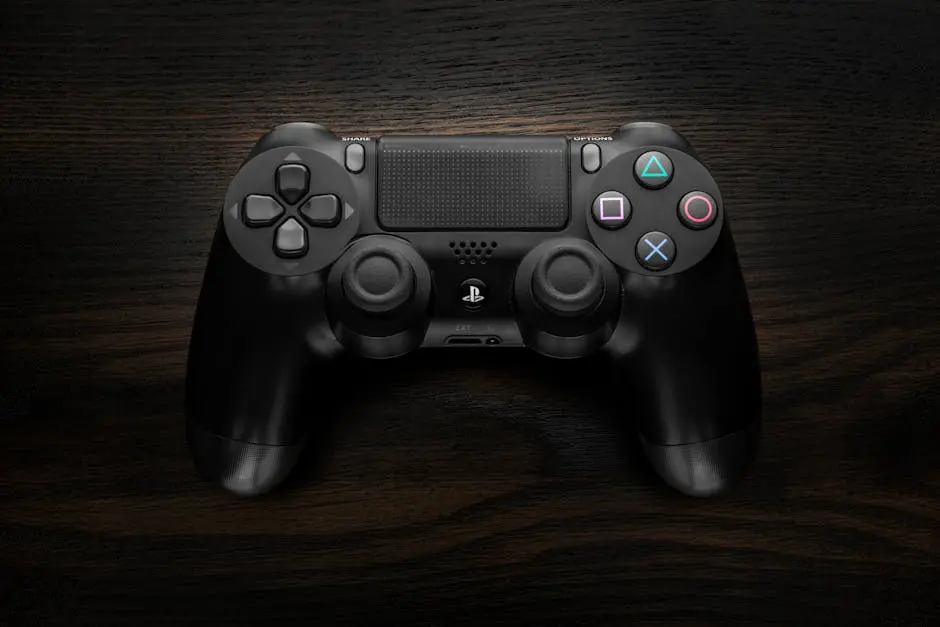
Personalizing your PS5 controller can elevate your gaming experience, making it uniquely yours. Whether you want a fresh aesthetic or improved performance, customizing your controller is an exciting journey that’s more accessible than you think. In this guide, we’ll explore various ways to transform your PS5 controller step-by-step.
Why Customize Your PS5 Controller?
Customizing your PS5 controller isn’t just about aesthetics—it’s about enhancing usability and creating a tool that fits your unique gaming style. From improved grip to personalized button mapping, there are numerous reasons to dive into customization.
One major benefit is the enhanced ergonomics that customization can offer. By tweaking the design and layout, you may find better comfort and less strain during long gaming sessions. Consider modifications like soft grips and adjustable triggers that can provide a smoother interaction. Additionally, customizing your controller allows you to stand out in a crowd of gamers. With unique designs, your controller becomes an extension of your personality and can even spark conversations at gaming events.
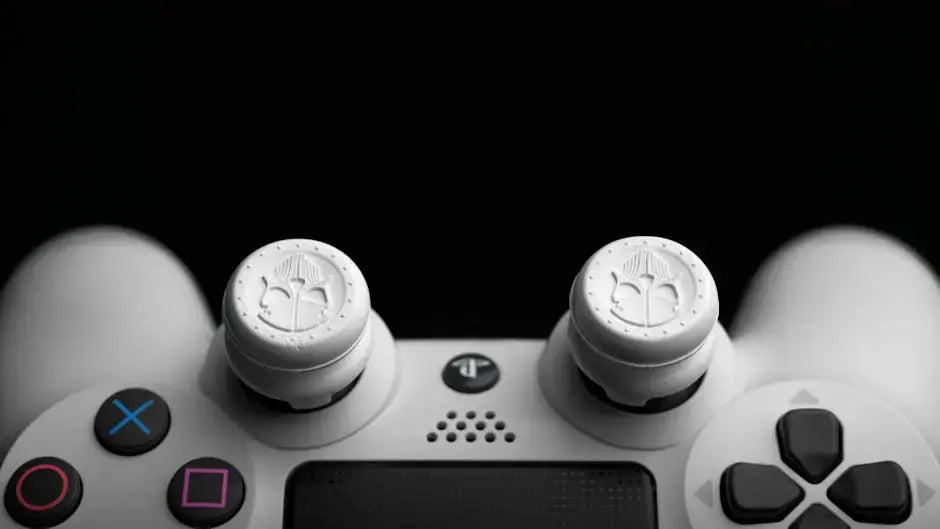
Moreover, customized controllers can significantly impact your gaming performance. For example, swapping out thumbsticks for ones with a higher resistance or different textures can enhance precision and control, especially in action and FPS games. Meanwhile, adapting button placements to your personal preference could give you the split-second advantage needed in competitive play.
Getting Started: Tools and Essentials
Before you start customizing, gather the essential tools and components. This includes screwdrivers, replacement parts, and decorative elements that will help transform your controller into a gaming masterpiece.
A well-prepared start can make the customization process smooth and enjoyable. Basic tools such as a precision screwdriver set are crucial for opening up your controller safely without damaging any components. Don’t forget accessories like tweezers and prying tools, which are helpful for handling small parts. Also, consider investing in a quality toolkit specifically designed for electronics if you plan on deeper modifications. Preparation is key.
Apart from these tools, having access to quality replacement and decorative parts is essential. Look for manufacturers who offer a variety of skins, decals, and replacement buttons to fit your style vision. Remember, high-quality components not only look better but tend to be more durable. This ensures that your customized controller remains in excellent condition despite frequent use.
Easy Aesthetic Enhancements
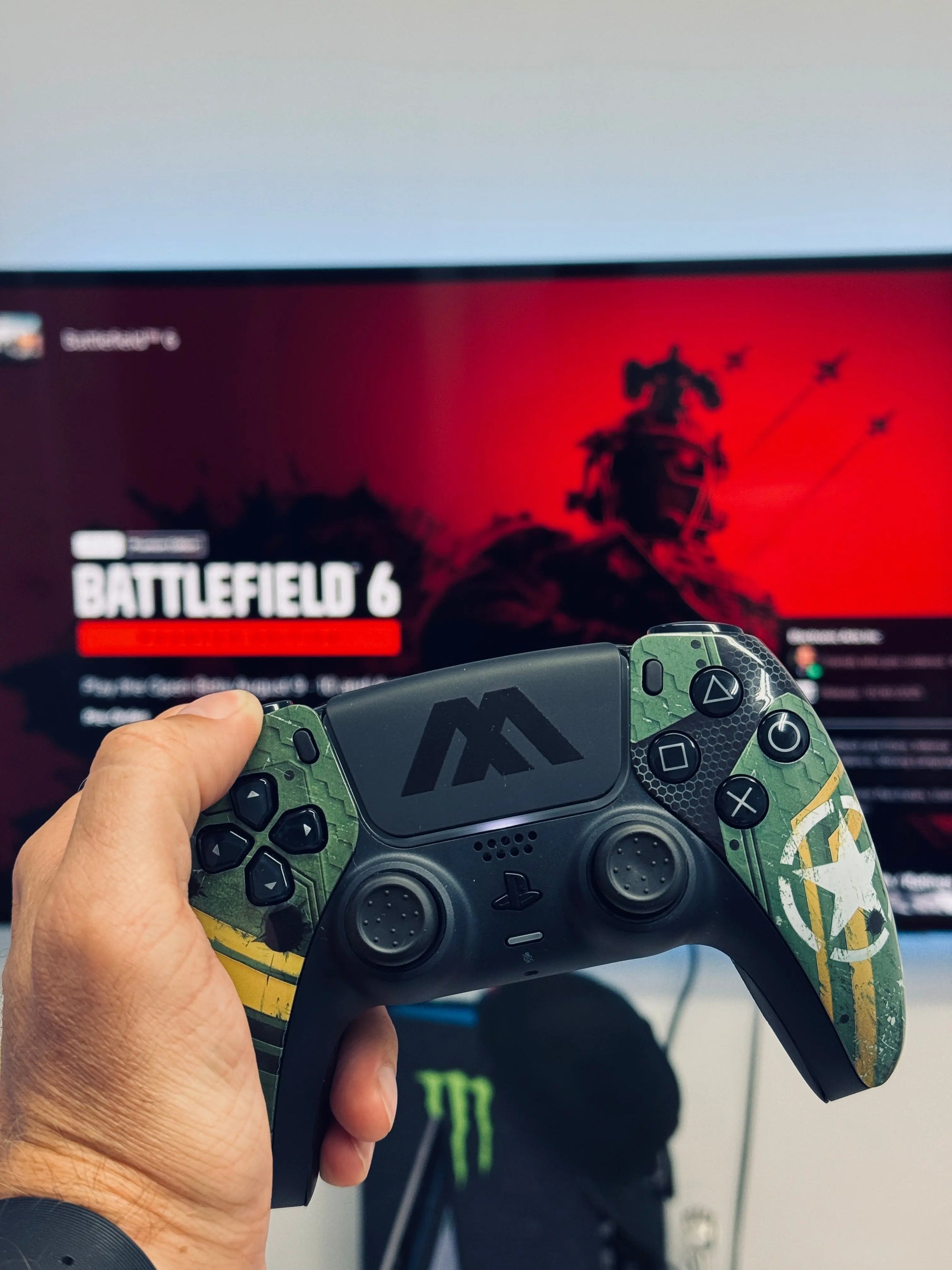
Aesthetic changes are one of the simplest ways to personalize your controller. Consider options like custom skins, decals, and color change kits, which are easy to apply and instantly noticeable.
One popular choice for aesthetic enhancements is vinyl wraps and skins, which allow for a complete transformation of your controller’s appearance without affecting its functionality. These are available in a multitude of designs, from sleek metallic finishes to vibrant graphic prints. Applying these skins is straightforward, often requiring just a clean surface and a bit of patience.
Moreover, you can further personalize your controller with light modifications, such as adding LED strips to the touchpad area or beneath the buttons. This adds a futuristic look and can be a fun project for those interested in electronics. For those looking to add a subtle flair, consider swapping out the default buttons with ones in alternative colors or materials like metal or wood, providing a unique texture and handling feel.
Performance Upgrades: Functionality First
For gamers looking to boost functionality, performance upgrades such as interchangeable thumbsticks, trigger stops, and back buttons provide tangible benefits, giving you an edge in competitive play.
One effective way to elevate performance is by using adjustable trigger stops. These modifications reduce the trigger pull distance, meaning quicker shooting in FPS games—a game changer for competitive scenarios. Additionally, installing back buttons can improve multitasking by allowing extra controls without moving your fingers away from the thumbsticks.
Interchangeable thumbsticks are another performance upgrade that can personalize your gaming setup. Available in different heights and grips, these can be tailored to suit various games—lower resistance for racing games or higher for shooters. Such customizations not only improve your gaming precision but they also enhance comfort, reducing fatigue during marathon sessions.
Exploring Third-Party Mod Kits
Third-party mod kits offer extensive customization possibilities, from illuminated buttons to rapid-fire capabilities. Explore reputable brands that cater to PS5 controller modifications and open up your gaming potential.
When diving into the world of third-party mod kits, it’s crucial to choose reputable brands known for quality and compatibility. Many kits offer intriguing features such as turbo mode, which can automate button presses for quicker actions—a boon in certain game genres. Other interesting options include macro buttons, which allow you to program complex sequences, saving time and enhancing gameplay precision.
Illuminated buttons are another popular feature in these kits, offering both aesthetics and function. LEDs can enhance visibility during low-light play and add a visual appeal that complements other aesthetic mods. However, be sure to follow installation instructions carefully to avoid voiding warranties or damaging your device. Balancing functionality with design can lead to a perfect gaming experience.
DIY vs Professional Services
Decide whether to embark on a DIY project or to employ professional customization services. While DIY is cost-effective and satisfying, professional services can offer a polished finish and advanced modifications.
Embarking on a DIY customization project allows for a personal connection with your gear and the satisfaction of crafting something unique. It’s also more budget-friendly, providing you have the time and patience. Numerous online tutorials and resources can guide you through each step, ensuring a successful modification process. Plus, the pride of having a one-of-a-kind controller that you built is hard to beat.
On the other hand, opting for professional customization services offers greater reassurance if tech and electronics aren’t your forte. Professionals can provide a level of detail and complexity that might be challenging to achieve at home, such as custom paint jobs or intricate LED setups. These services also come with warranties ensuring your modifications are durable and high-quality. Thus, choosing professional help might be ideal for achieving a flawless finish and innovative adjustments beyond the basics.
Craft Your Perfect Controller
Customizing your PS5 controller is a rewarding endeavor that combines style, comfort, and functionality. With endless options available, you’re empowered to create a controller that reflects your personality and enhances your gaming experience. Dive into the customization world and explore the possibilities—your perfect controller is just a few tweaks away.