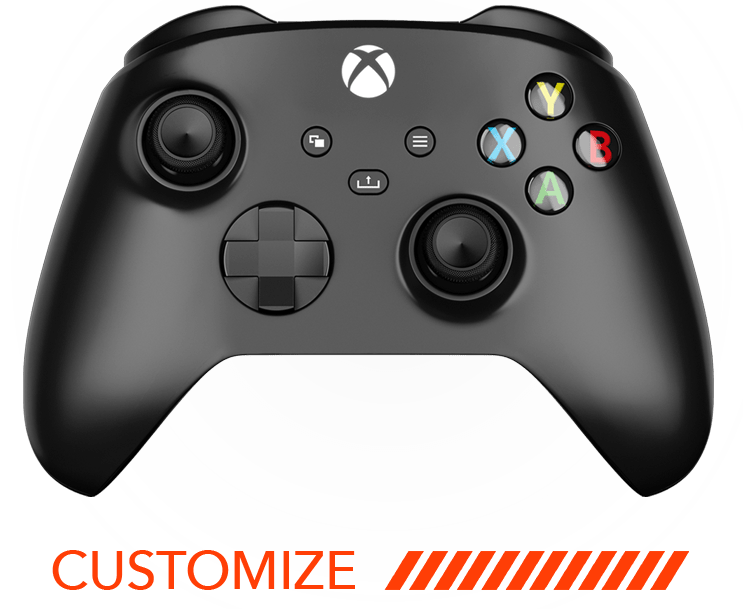
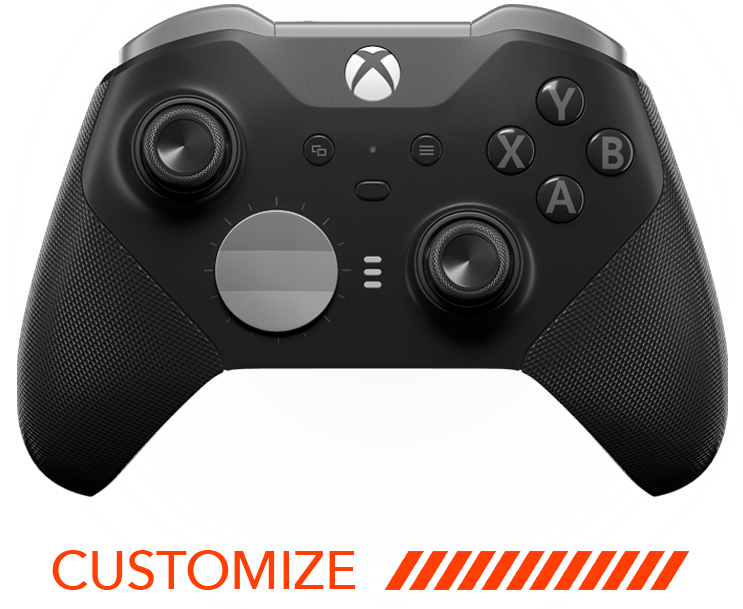
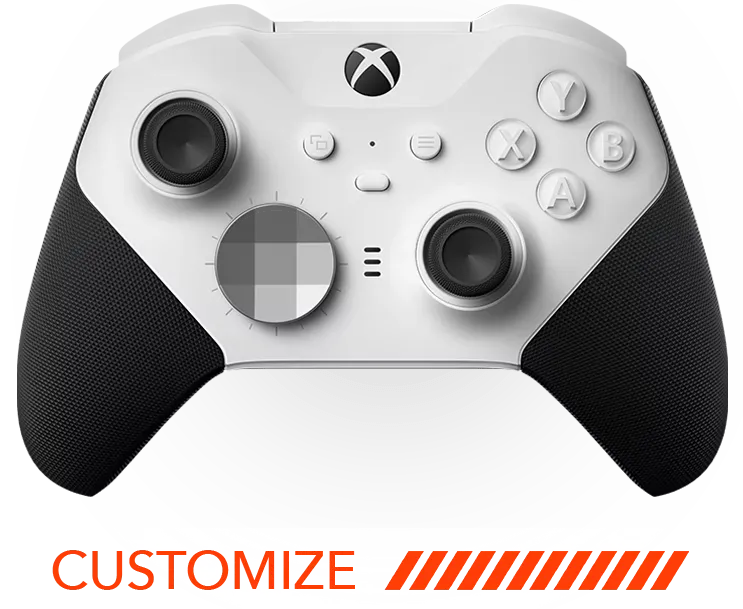




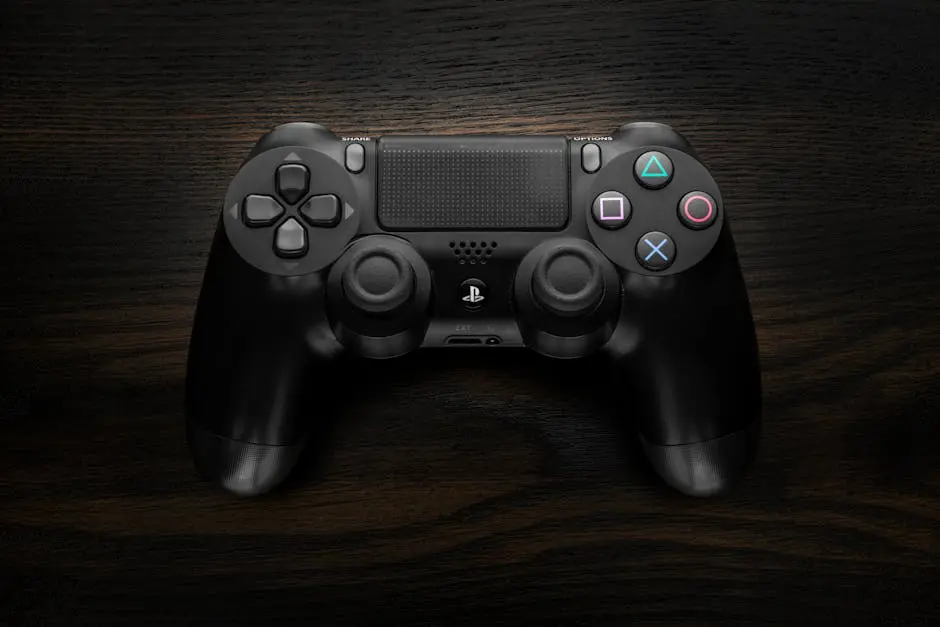
The PS5 controller, known for its innovative features and ergonomic design, can still be elevated to suit your personal gaming style. From enhancing gameplay precision to adding a personal touch, mods can significantly transform your gaming experience. Let’s dive into some game-changing mods you can consider for your PS5 controller.
1. Ergonomic Grip Enhancements
Improve your comfort during long gaming sessions with ergonomic grips. These handy add-ons can help reduce fatigue and provide a better grip. Adjusting the texture and finish of your controller’s handles not only enhances comfort but also prevents slipping during those intense gaming moments. Consider grips made from anti-slip materials, offering a texture like basketball leather or golf gloves, which can absorb moisture and provide a steady grip. This minor tweak can make a significant difference in how you handle your controller during those extended gaming sessions.
Another excellent way to enhance ergonomic support is by adding palm rest extensions. These are particularly useful for gamers with larger hands or those who enjoy playing for hours on end. The extensions ensure that your hands are positioned in a natural, stress-free posture, reducing the discomfort often associated with prolonged use. Opt for extensions that can be easily attached and detached, allowing for customization based on the game you are playing or personal preference. Ergonomic solutions like these can significantly transform your gaming sessions, making them more enjoyable and strain-free.
2. Precision Thumbstick Modifications
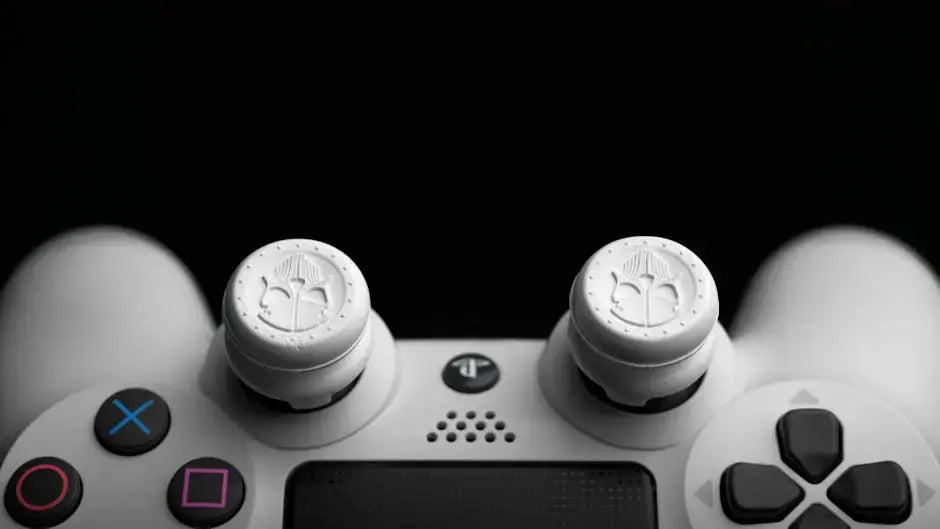
Take control of your games by swapping out your thumbsticks for options that offer greater precision and comfort, making every movement count. For gamers who thrive on precision, particularly in first-person shooters, having the right thumbstick modification can enhance your aim and agility. Consider opting for taller thumbsticks that provide a larger range of motion and increased accuracy. Such upgrades are especially beneficial in fast-paced games where every millisecond counts.
If you’re looking for yet another layer of control, try thumbstick caps that come in different textures and designs. These caps can change the feel of how your thumbs interact with the controller, adding comfort and precision. Some designs even include a rubberized grip or concave and convex shapes tailored to suit different gaming needs. This simple modification is highly customizable, with options available to fit every game style and preference.
3. Back Buttons for Quick Access
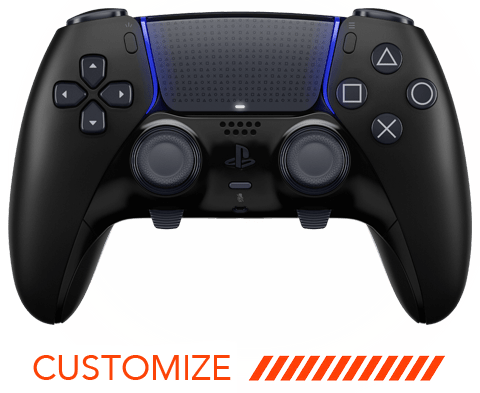
Enhance gameplay efficiency by adding back buttons. These allow for quick access to crucial functions without taking your thumbs off the main controls. Back buttons provide strategic advantages, offering seamless control over complex gameplay maneuvers. The addition of back buttons can redefine your gaming experience, making it more strategic and responsive.
4. Custom Trigger Stops
Reduce trigger pull distance for quicker weapon firing or faster reaction times in racing games with trigger stops. By limiting the trigger’s range, you can achieve quicker response times, which is crucial for competitive gaming. In racing games, this can mean the difference between victory and defeat, as the triggers respond to your touch in a fraction of a second, offering precise acceleration or braking.
For shooters, trigger stops can enhance your rapid-fire capabilities by reducing the delay between pulling the trigger and the action occurring on-screen. It’s like shifting into a higher gear, offering a competitive advantage that standard controllers cannot. Customize your trigger stops to suit the sensitivity you prefer; some models even offer on-the-fly adjustments, ensuring you always have the perfect setup for any game.
5. Vibrant Controller Skins
Add a splash of color and personality to your controller with skins, making it uniquely yours. Controller skins enable you to express your personality directly on the game equipment. With countless designs available, from solid colors to intricate art pieces, you’re sure to find something that resonates with your individual gaming style.
6. DIY LED Light Modifications
Illuminate your gaming sessions with custom LED lights. Change the mood and feel of your gaming setup with a light show directly on your controller. LED mods offer a unique way to infuse your gaming gear with vibrant hues and patterns, creating a mesmerizing visual effect. This interactive light feature can react to your gameplay, syncing with sound cues or specific game events, enhancing the immersive experience.
7. Replaceable Battery Packs
Switch to replaceable battery packs to ensure you never run out of power during those critical gaming moments. This mod offers a sustainable option, allowing you to swap out batteries instead of being tethered to a charging cable. Not only does this offer convenience, but it also extends the overall lifespan of your controller by reducing the wear and tear on the internal battery.
8. Enhanced Audio Jacks
Upgrade the audio capabilities of your controller with mods for a better sound experience during gaming. Improved audio jacks can support a wide range of high-quality headphones, delivering crystal-clear sound that may be pivotal for enjoying the immersive environments and diverse music scores modern games use to captivate players.
9. Personalized Button Mapping
Customize your button layout to better fit your gaming style, enhancing accessibility and efficiency. Personalized button mapping enables you to assign specific commands or functions to buttons that feel most natural. It’s not just about convenience; it’s about creating a controller setup that aligns with your reflexes and strategies.
10. Durable Trigger Covers
Guard your triggers against wear and tear by adding durable covers, ensuring they last longer under heavy use. These covers add layers of protection against the constant pressure and tactile feedback the triggers undergo with every game session, particularly with games requiring frequent and intense trigger interactions.
11. Customizable Faceplates
Swap out your controller’s faceplate to give it a new look, allowing self-expression through design. Customizable faceplates allow gamers to keep their hardware fresh and exciting, with a myriad of designs that cater to both understated elegance and bold creativity.
12. Advanced Motion Sensors
Add precision sensors to enhance motion controls, making movement detection more accurate and responsive. These sensors supplement the gaming experience by allowing for more nuanced control over in-game actions, especially in titles that rely heavily on motion for interaction.
13. Tactile Button Upgrades
Enhance the tactile response of your buttons for a more satisfyingly responsive feel every time you play. Adjusting the tension or resistance of the buttons can lead to more accurate inputs, reducing accidental presses while increasing user satisfaction through a more interactive and engaging interface.
14. Optimized Stick Tension
Adjust the tension of your thumbsticks for smoother or stiffer movements, based on your gaming needs. This kind of tuning can provide nuanced control, allowing precision movements in stealth games or tight corners in racing games, giving you the edge by adjusting the sensitivity to just the right level.
15. High-Performance Cooling Systems
Keep your controller cool with advanced cooling mods that prevent overheating during intense gaming sessions. Effective cooling is essential for maintaining peak performance, ensuring the internal components function optimally by dissipating heat efficiently, especially during demanding play periods.