

On November 4, Xbox opened previews for two new ways to play Xbox Cloud Gaming: using your phone as a controller on supported Smart TVs, and connecting the Xbox Nano Controller straight to the cloud over Wi-Fi. Both are early, both come with limits, and neither replaces a proper controller for competitive play. Here's what's actually been announced.
If you play shooters or ranked modes, input latency and precision are the whole game, so any change to how inputs reach a server is worth understanding. We stuck to what Xbox and reputable outlets have published, and flagged what's still unknown.
Quick List
- Phone as controller on Smart TVs
- Nano Controller cloud connect
- Also on our radar: a Midnight Black PS5 in Japan
- What this means for you

Phone as a Controller on Smart TVs
According to Xbox Wire, an Android or iOS phone can act as your controller, with the controls opening in the phone's browser, so no separate app or controller is needed. Some games get tailored layouts.
How to turn it on
- Open the latest supported Xbox Cloud Gaming experience on your Smart TV.
- Go to Settings > Account and enable Preview Features.
- Launch a game with no physical controller connected and choose the phone option.
It is a preview on supported Smart TVs in countries where Xbox Cloud Gaming is available, and Xbox notes both experiences are still being tested.
Nano Controller Cloud Connect
The second preview is aimed at the $49.99 Xbox Nano Controller, which we covered when it launched. Instead of pairing over Bluetooth to your TV, the controller connects over Wi-Fi directly to the cloud server running your game. Xbox says this can help reduce input latency; Windows Central describes the reduction as significant, but that is the outlet's description, not a measured result.
| Feature | Phone as controller | Nano cloud connect |
| Input device | Your phone (browser) | Xbox Nano Controller |
| Connection | Phone linked to TV session | Wi-Fi straight to the cloud |
| Where | Supported Smart TVs, where Cloud Gaming is available | US only; Smart TVs and web |
| Setup | Preview Features toggle on the TV | Xbox beta app (Android) or Xbox Accessories app (PC; Insider enrollment required) |
| Status | Preview | Preview; not every cloud experience supported yet |
Also on Our Radar: A Midnight Black PS5 in Japan
Separately, a report from GPU Gamegpu says Sony is launching an updated PS5 Digital Edition (model CFI-2200B02S) in Midnight Black for the Japanese market, with pre-orders from October 20 and release on November 19, 2026. It reportedly requires a Japanese interface and a PlayStation Network profile registered to Japan, so it is not a global release. We'd treat details as reported rather than officially confirmed until Sony says more.

What This Means for You
Cloud gaming is getting more input options, which is good for casual play on a TV with no console attached. But these are previews with regional and game-support limits, and a touchscreen or a pocket controller is a different tool from a full-size controller tuned for ranked play.
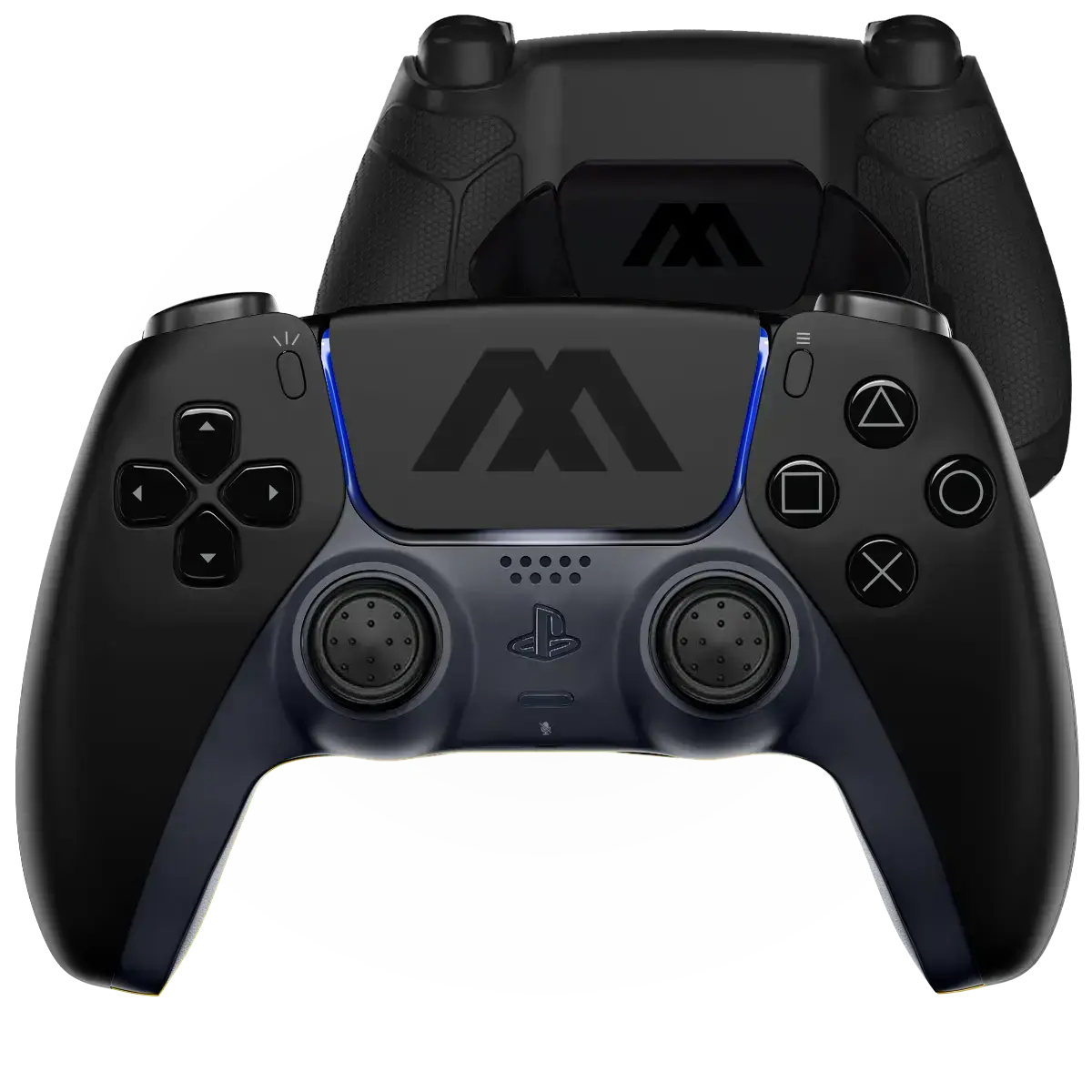
If you play on console, nothing here changes the basics: a controller you trust, precise sticks and comfortable triggers. Every ModdedZone controller starts from authentic first-party Sony or Microsoft hardware. We haven't tested ModdedZone controllers with Xbox Cloud Gaming's new preview features, so we won't make claims there.

One reminder: mods such as rapid fire or anti-recoil may conflict with the rules of specific games' ranked or competitive modes, so check each game's current terms before you rely on them.
Ready for a Real Controller?
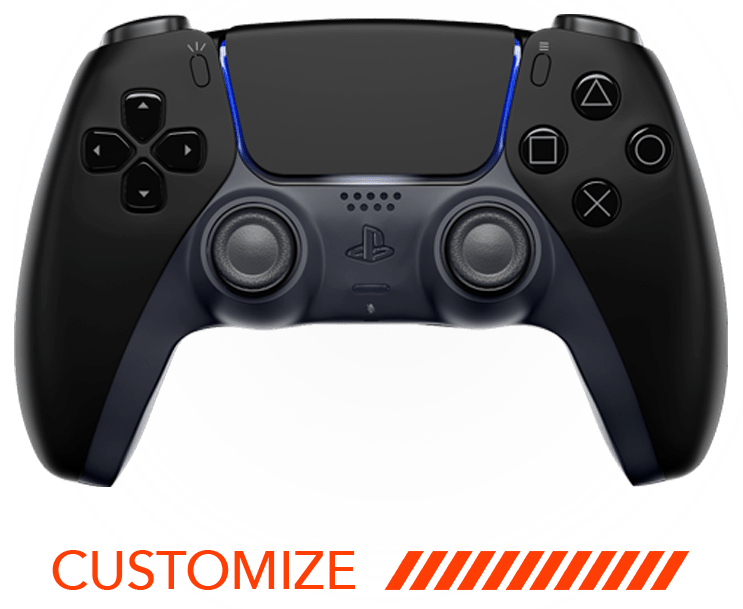
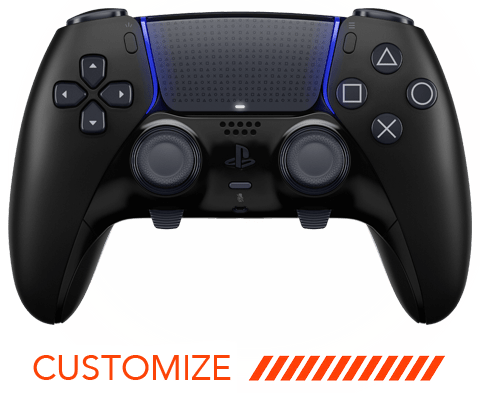
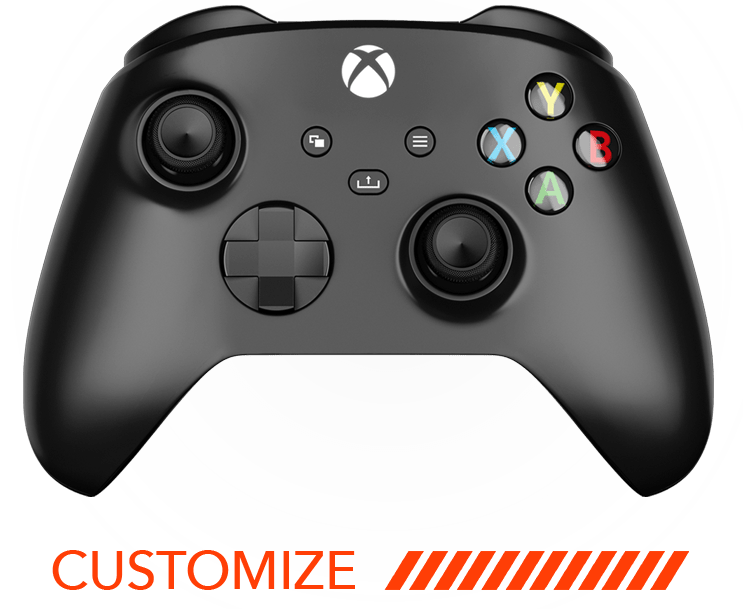
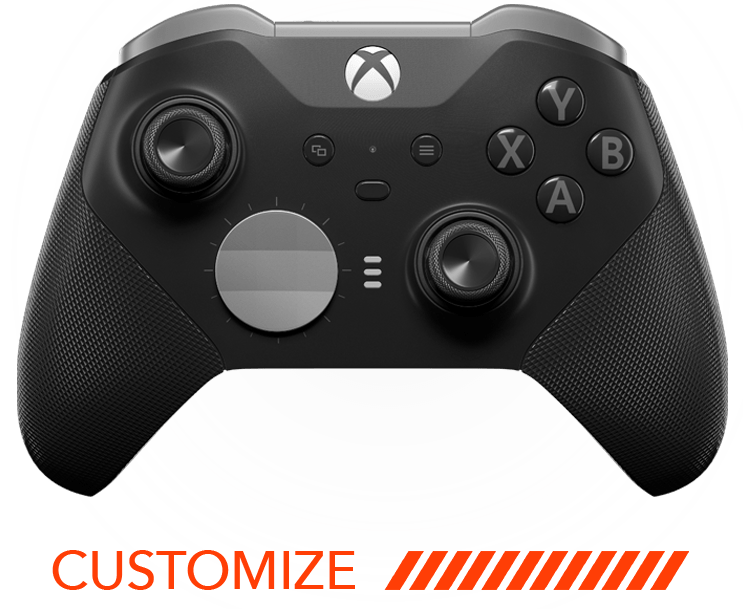
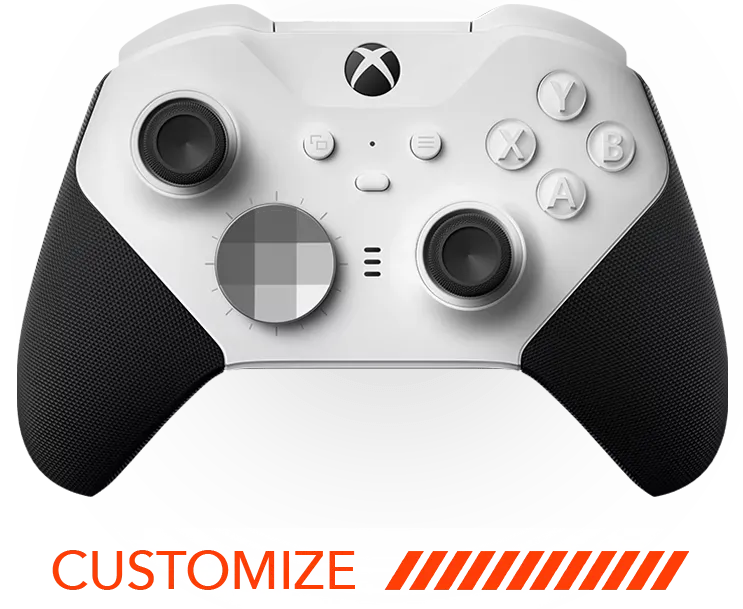
Playing on Xbox? Start with the Xbox Series X|S Customizer, or step up to the Xbox Elite 2 Core Customizer for Elite paddles and trigger locks with Hall Effect thumbsticks. On PlayStation, build yours with the PS5 Customizer. Every build is backed by our 90-day warranty on defective parts, workmanship and modchip.