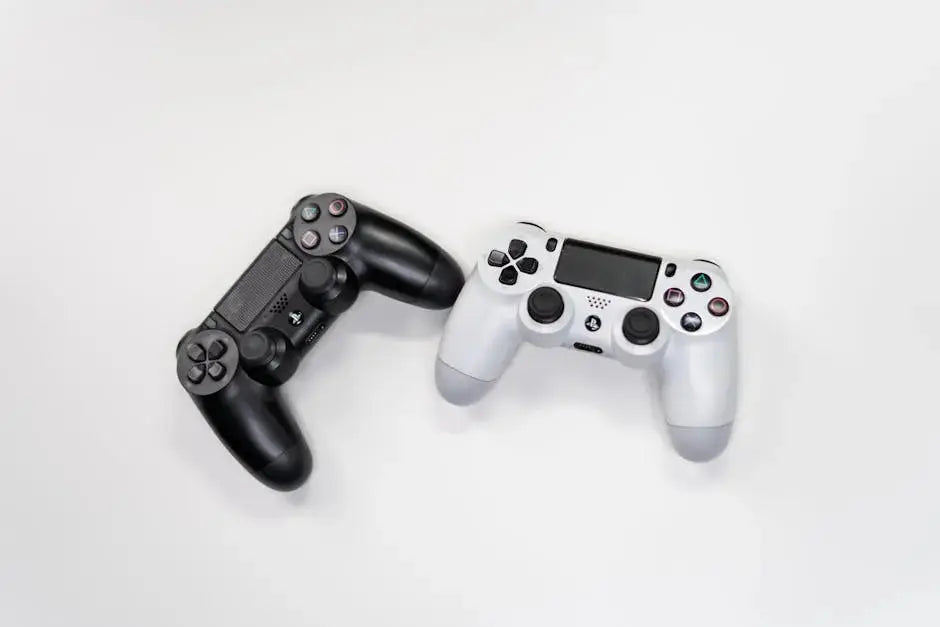
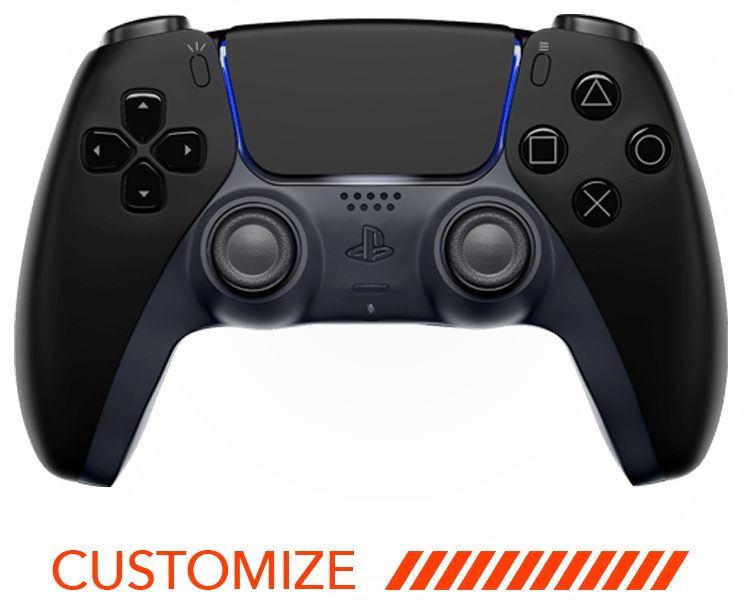
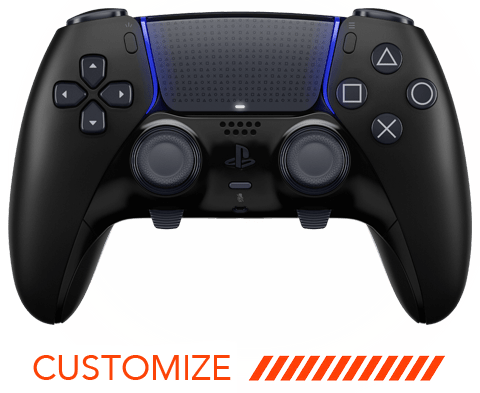
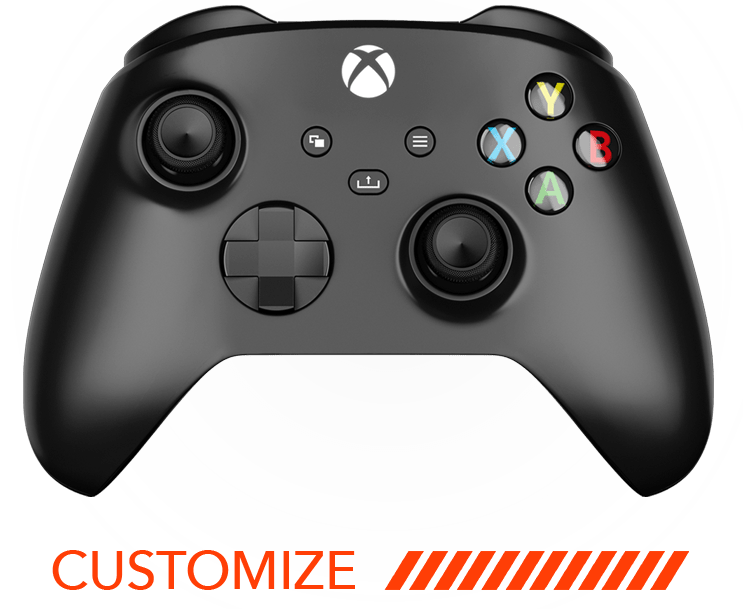
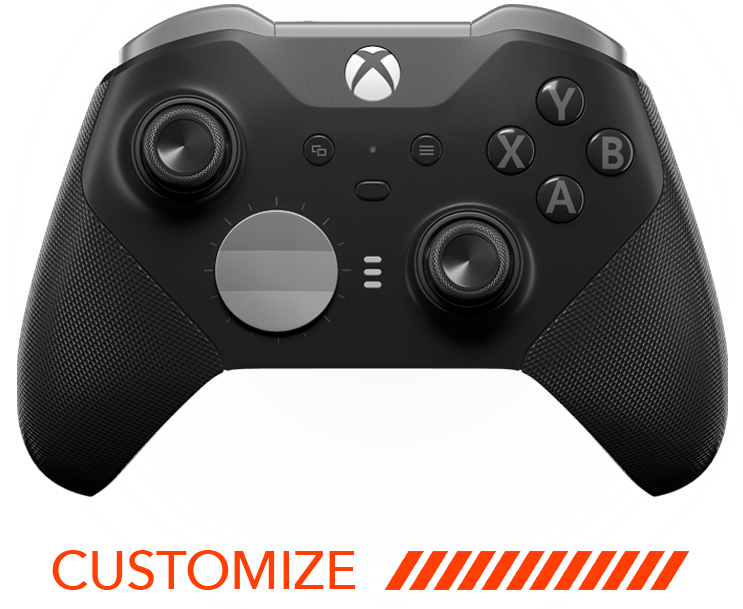
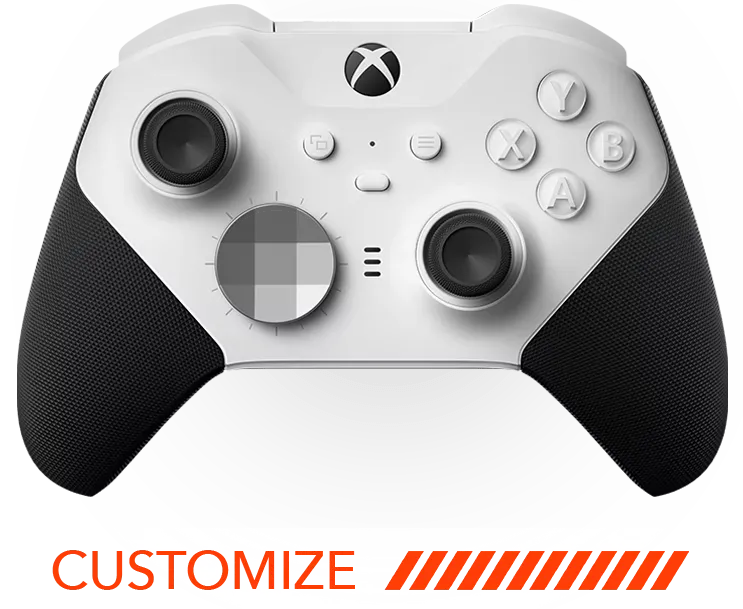




Navigating the world of gaming can become even more exciting when you personalize your PS5 controller to match your unique style and gaming preferences. Custom modifications can range from aesthetic changes to functional upgrades that enhance your gameplay. Let’s explore some creative and practical ways to customize your PS5 controller.
1. Colorful Face Plates
Swap out your standard face plate for something that packs a visual punch. A colorful face plate can personalize your controller, making it feel fresh and unique. Not only do these plates come in a myriad of hues, but they also offer intricate patterns and graphics that can reflect your personal taste. Whether you’re leaning towards a sleek metallic finish or a vibrant neon color, changing your controller’s face plate is one of the easiest ways to make a statement without affecting its functionality.
Personalization is key in the gaming world, and nothing speaks to individual style quite like a custom face plate. With endless options available, you can even coordinate your PS5 controller with the rest of your gaming setup for a cohesive look that makes every session feel special. This simple modification can refresh your gaming experience, ensuring that your controller isn’t just a tool, but an extension of yourself.
2. Enhanced Grip
Adding silicone grips not only provides comfort during extended sessions but also enhances your control for intricate gameplay moments. These modifications come in various textures and thicknesses, catering to different preferences. Plus, they can prevent accidental slips during intensive gaming periods and protect the controllers from wear and tear.
3. Back Button Attachments
For competitive gamers, back button attachments can revolutionize play style by allowing quick access to crucial controls without moving your thumbs away from the sticks. These attachments are particularly beneficial in fast-paced games, where every millisecond counts. Not only do they enhance functionality, but they also enhance comfort by reducing the unnecessary strain on your thumbs.
Custom back button configurations can be tailored to your specific gaming needs, making adaptive triggers a breeze. Imagine executing flawless combos at the push of a button, thanks to these strategic additions. Whether you’re playing a first-person shooter or a skill-heavy RPG, back button attachments are game-changers that offer a competitive edge.
4. Custom Analog Stick Caps
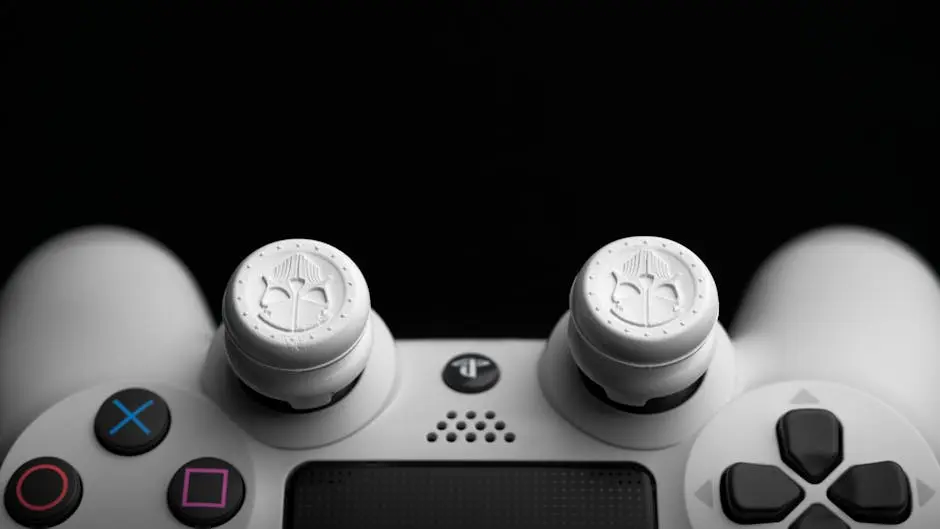
Transform your controller’s look and feel with custom analog stick caps. They’re a simple change that can improve grip and comfort. Available in different height variations and surface textures, these caps can redefine how the joystick feels under your thumb. This minute alteration enhances precision in your movements, especially in racing and FPS games where control is paramount.
5. LED Light Modifications
Illuminate your controller with LED modifications that can change color, offering both a stylish touch and functional feedback. With programmable LEDs, you can set your controller to sync with your game or change colors according to your mood. These light modifications add an element of fun and can also be used to signal different game modes, health statuses, or important alerts, thus enhancing your gaming experience.
LED modifications aren’t merely for spectacle; they’re a practical addition for any gaming enthusiast. Some setups allow customization through mobile apps, making it easy to change and adapt the lighting from your phone. It’s a nifty way to personalize each gaming session, ensuring your controller is always aesthetically aligned with the game you’re playing.
6. Button Customizations
Alter the appearance of your buttons with custom colors and designs to make your controller stand out. Button swaps can range from translucent options that mimic a retro style to vibrant, colorful choices that catch the eye. Such modifications can also come with textured finishes, providing an aesthetic and tactile feel designed to enhance grip.
Beyond aesthetics, consider adding a layer of functionality to your buttons. Some options let you adjust button sensitivity, giving you a more responsive touch and boosting your gaming accuracy. It’s a subtle yet impactful change that brings not just style, but a performance edge to your controller.
7. Motion Sensor Adjustments
Fine-tune the sensitivity of the motion sensors for a personalized feel in motion-based games. Some gamers prefer a more sensitive setting to catch slight movements, while others might opt for reduced sensitivity for more substantial, deliberate actions. With these adjustments, your in-game performance can match your personal style of play, providing a custom fit that feels just right.
8. Haptic Feedback Tuning
Adjusting the haptic feedback can provide a tailored gaming experience that matches your preferred sense of immersion. This feature allows you to experience varying levels of vibration intensity, creating a more engaging and interactive gaming session. Whether you want a subtle rumble or a powerful shock, custom tuning gives you control over how you engage with your games on a sensory level.
9. Trigger Sensitivity Mods
Customizing the trigger sensitivity allows gamers to decide the exact feedback and resistance to suit their gaming needs. This personalization can result in faster responses in shooting games or a more gradual feel in racing. By calibrating these settings, you ensure that every trigger pull feels natural and intuitive, enhancing your overall gaming performance.
10. Design Decals and Stickers
Add a personal touch with decals and stickers that express your personality and interests. Whether you’re a fan of specific game franchises or want to showcase your unique style, there’s a decal for every preference. Custom stickers can be easily applied and removed, making them a versatile option for gamers who like to frequently change up their controller’s appearance.
11. Improved Battery Life
Opt for a battery mod that extends your play time, ensuring you never miss a critical moment in your game. By upgrading to higher-capacity batteries or innovative charging solutions, you can reduce downtime and focus more on your gameplay. This practical modification is invaluable for marathon gaming sessions, ensuring your controller keeps pace with your enthusiasm.
12. Programmable Buttons
Take control of your game with programmable button mods that allow you to assign functions as you see fit. These modifications can revolutionize your gameplay by streamlining controls and creating shortcuts for complex commands. With the ability to customize button assignments, you can tailor the controller layout to suit varying game genres, enhancing efficiency and enjoyment.
13. Ergonomic Redesigns
Explore ergonomic mods designed for comfort, reducing fatigue during long sessions. Ergonomic handles or re-shaped grips offer solutions for gamers who spend considerable time at the console, ensuring a more comfortable and natural hand positioning. With thoughtful modifications, aches and pains from extended play can become a thing of the past.
14. Custom Shell Designs
Showcase your individuality with custom shell designs that make a bold statement. Custom shells not only provide a fresh look but also protect your controller from scratches and damage. Choose from vibrant patterns, themed designs, or even custom graphics that align with your gaming preferences or personal taste.
Shell modifications allow for a full transformation that turns your PS5 controller into a unique piece of art. Whether you’re into bold neon colors, minimalistic aesthetics, or intricate graphics, these designs ensure that your controller truly stands out in any gaming setup.
15. Tactile Button Enhancements
Enhance your control’s tactile response with enhancements that provide a satisfying click. These modifications provide precise feedback for every press, making them an excellent choice for gamers looking to improve precision. With tactile button enhancements, every action becomes more deliberate and engaging, adding a layer of sensory experience to your gameplay.